Landscape Postcard Templates
Available designs
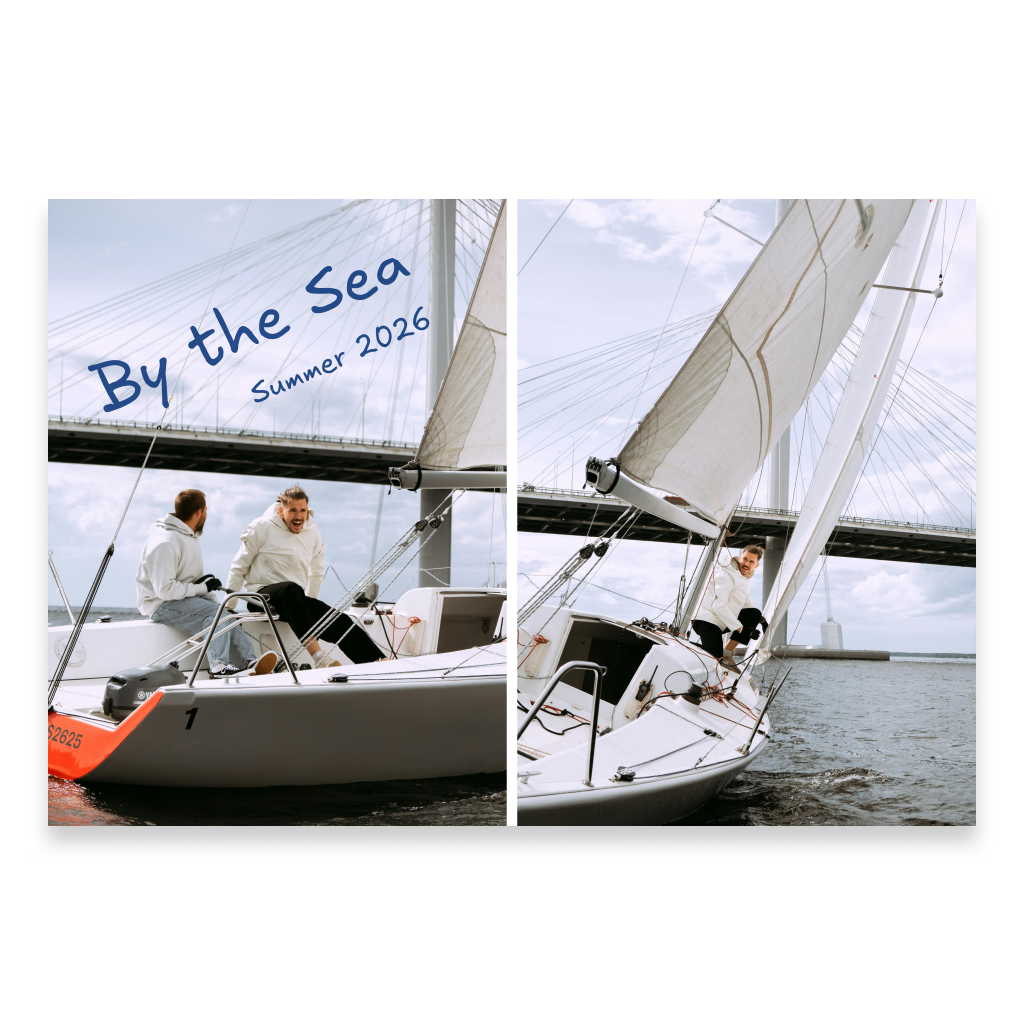
Choose a ready-made landscape postcard template and fill it with your own photos, text, and other elements. Add a personal message and recipient details on the back, enhance the digital version with Spotify music or a 360° panorama if you wish, and preview the finished postcard in interactive 3D.
More informationHide information
Create a Postcard from a Ready-Made Photo Template
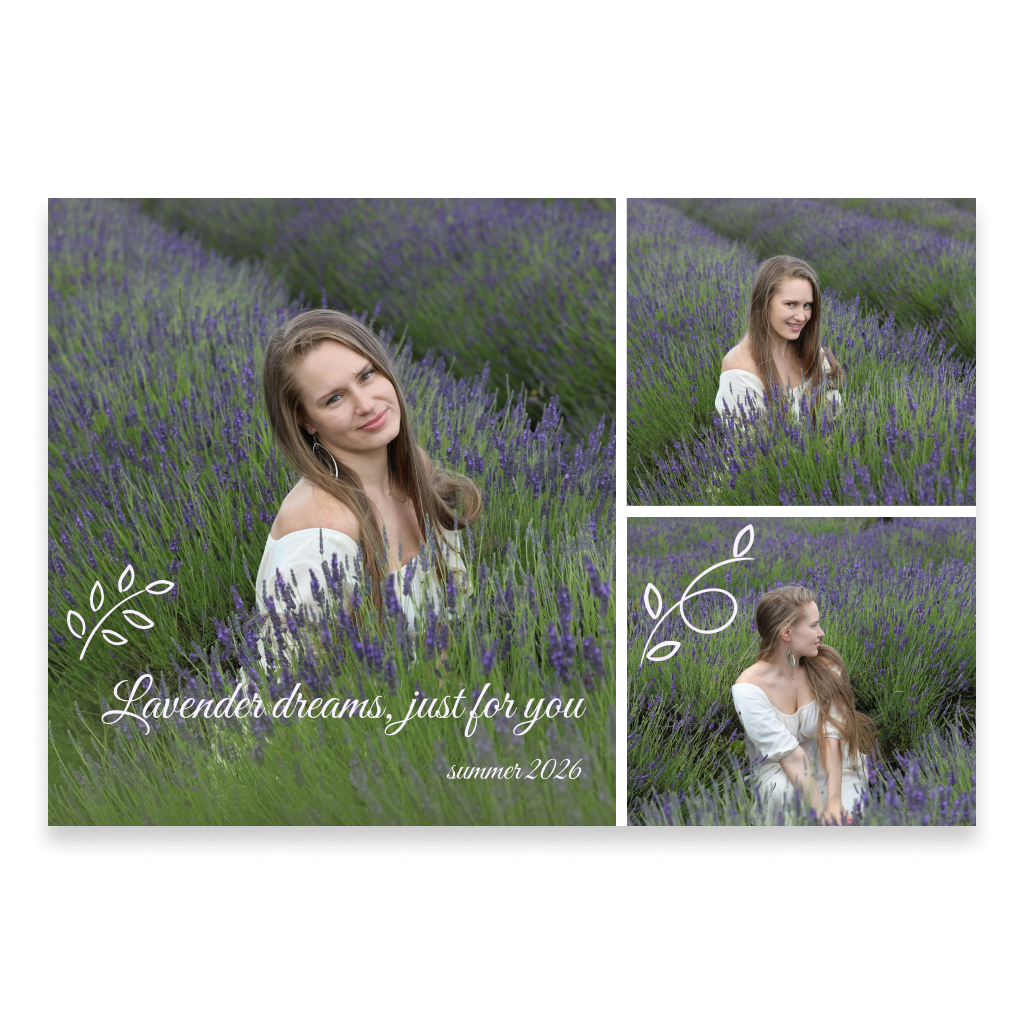
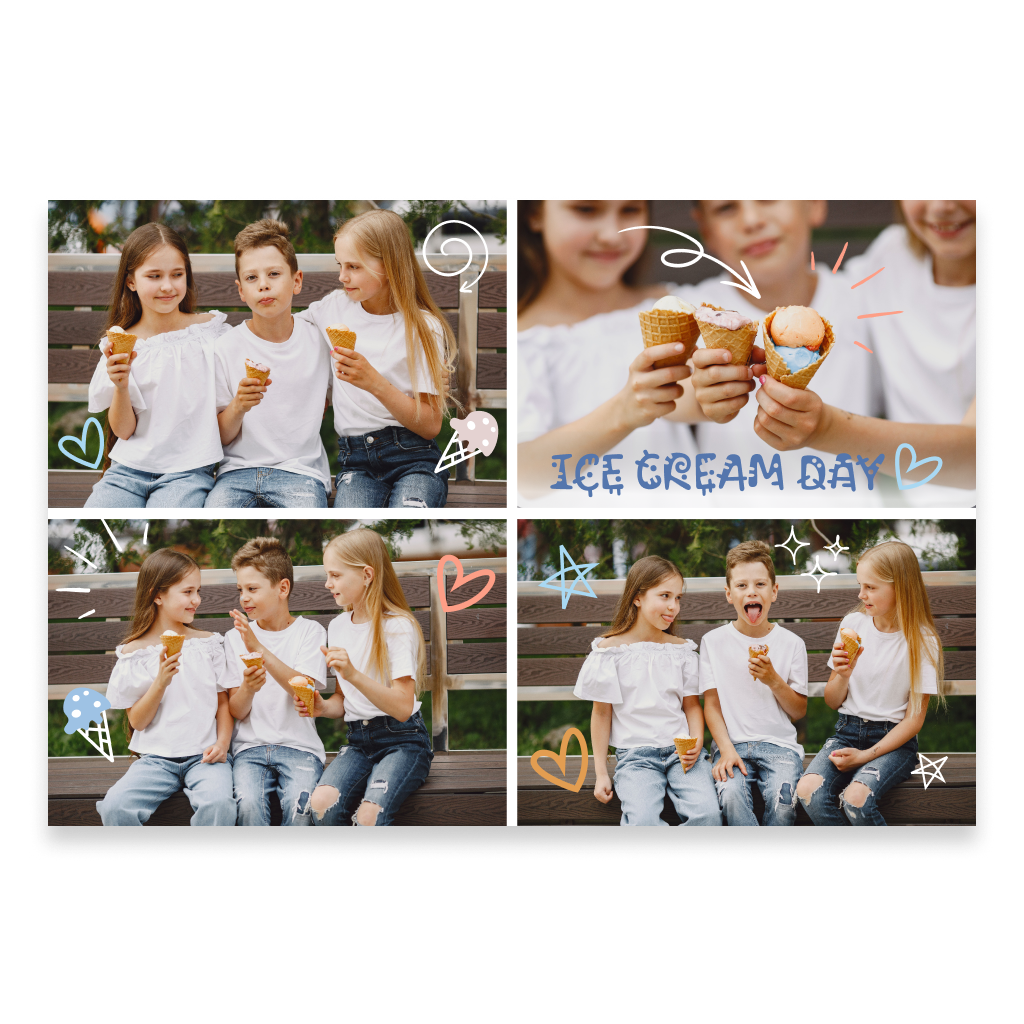
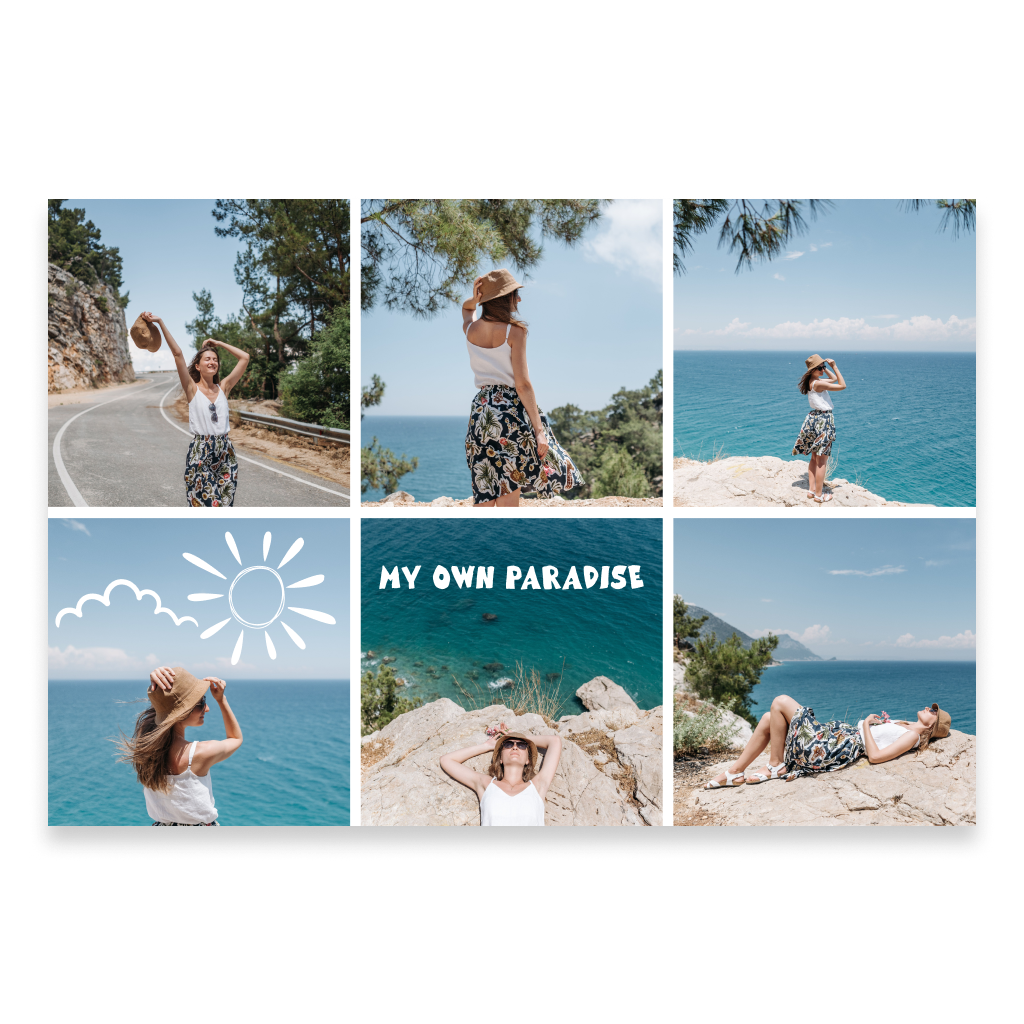
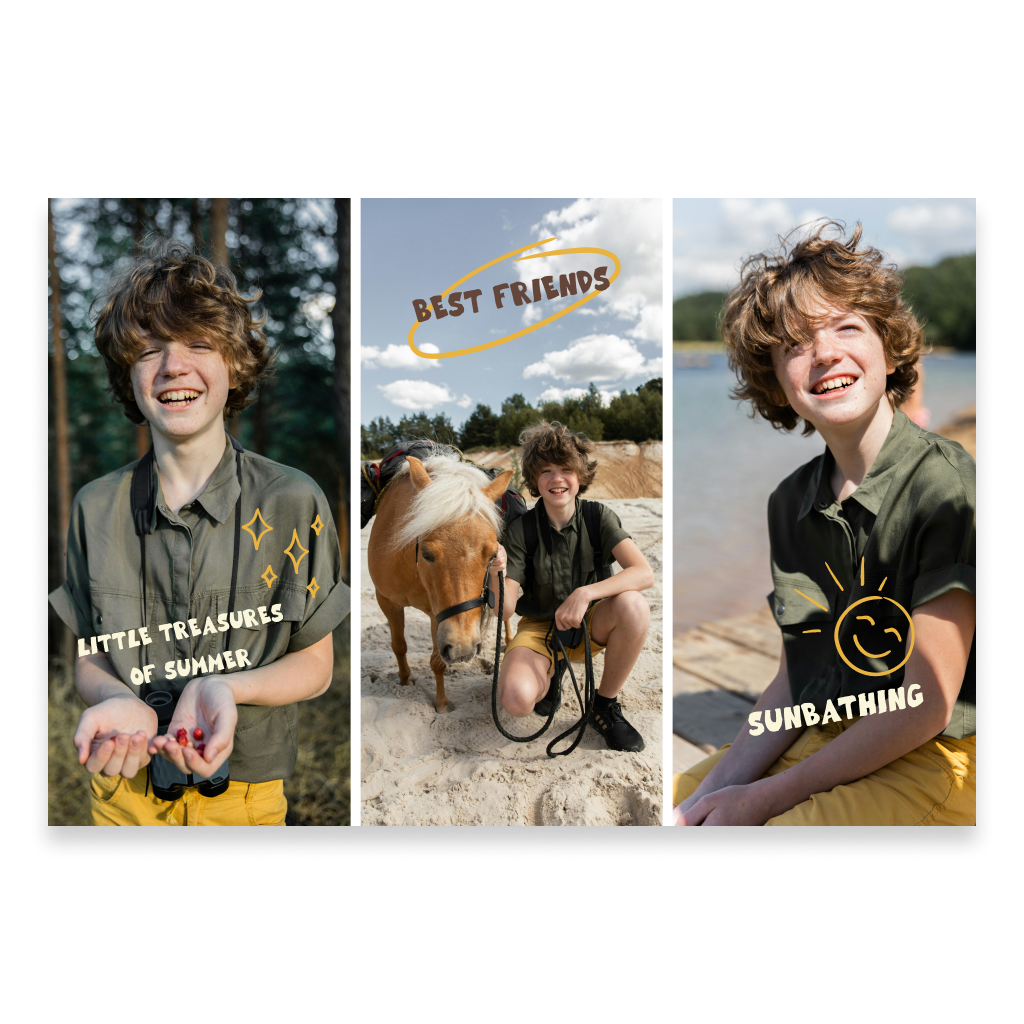
This section includes landscape postcard templates designed to help you quickly build a clean composition with several photos. You can choose a layout that matches the number of images you want to use and the style of composition you prefer. There is no need to start from a completely blank canvas. Choose a template, upload your photos into the prepared areas, and then add your own text, decorative details, or any other information you want to include. The ready-made structure helps keep the layout visually balanced, especially when you want to place several photos on one postcard. It works well for travel pictures, family moments, celebrations, weddings, holidays, photo sessions, and small visual stories that are better told through several images rather than a single photo. At the same time, the template does not limit you to photos only. You can add extra content and personalize the composition so the finished postcard feels entirely your own.
Combine Several Photos on One Postcard
The main difference between this collection and a standard photo postcard is the ready-made layout for multiple images. Instead of using one large photo, you can combine several pictures and turn them into a small visual story. For example, you can bring together photos from one trip, show several family moments, create a selection from a celebration, or combine different views of the same event. The landscape format works especially well for this type of composition because the extra horizontal space makes it easier to place photos side by side while keeping the design open and balanced. The template provides the structure, while the content remains entirely yours — choose the photos, text, and extra elements that fit the recipient and the occasion.
Photos on the Front, Personal Message on the Back
As with other classic postcards from Card can Fly, the front side is mainly intended for visual content, while the back is used for a personal message and recipient details. Once your photo composition is ready, add a few personal words on the back. It can be a short birthday wish, a thank-you note, greetings from a trip, a small invitation, or simply a message to someone you want to share important moments with. Traditional postcards are often mailed without an envelope, but Card can Fly uses a protective envelope. This helps preserve the appearance of the postcard during delivery while also protecting the privacy of the personal message and recipient details.
Add Music and a 360° Panorama to the Digital Version
A printed postcard can also be enhanced with a digital version and interactive elements. You can add music from Spotify that connects to the photos, occasion, or recipient. For example, you might pair travel photos with a song from the trip or add a meaningful track to a collection of family pictures. You can also add a 360° panorama to create an additional visual environment around the postcard in digital view. This turns a photo collage into more than just a printed postcard — it becomes a richer digital memory as well.
Preview the Postcard in 3D Before Sending
Before placing the order, you can open the finished postcard in interactive 3D view. This is especially useful for templates containing several photos because it allows you to review the full composition, check the placement of images and text, and make sure all the elements work well together. If you added music or a 360° panorama, they also become part of the digital experience. After reviewing the result, you can return to editing or complete the order once everything looks the way you want.
When to Choose a Ready-Made Postcard Template
Ready-made photo templates are especially useful when you want to include several images but do not want to build the entire layout from scratch. They work well for family photos, travel memories, weddings, birthdays, holidays, children’s photos, vacations, and other events that are best shown through several different moments. If you have one photo that you want to make the main focus of the entire front side, a standard Landscape Photo Postcard may be a better choice. If you want to combine several images into a clean photo collage, a ready-made template helps you do it faster.
FAQ
How is a template postcard different from a standard photo postcard?
A template postcard already includes a prepared layout for several photos. You upload your images into the existing composition and can then add text or other elements. A standard photo postcard usually focuses on one main image.
How many photos can I add to a postcard?
The number depends on the selected template. Different layouts are available for different numbers of photos.
Can I customize the postcard after uploading my photos?
Yes. In addition to the images, you can add your own text and other available elements to personalize the template.
How is the back of the postcard filled in?
You can add a personal message and recipient details on the back, just like with other classic postcards from Card can Fly.
Can I add music, a 360° panorama, and preview the postcard in 3D?
Yes. The digital version can include Spotify music and a 360° panorama, and you can preview the finished postcard in interactive 3D before sending it.
Is this type of postcard sent in an envelope?
Yes. Although traditional postcards are often mailed without an envelope, Card can Fly uses a protective envelope to help keep the postcard in good condition and protect the privacy of the message and recipient details.