Greeting Card Templates with Your Photos
Choose a ready-made layout and make it your own
A template is a ready-made card layout with a predefined composition. Choose the format you like and fill it with your own photos, images, and text.
Available designs
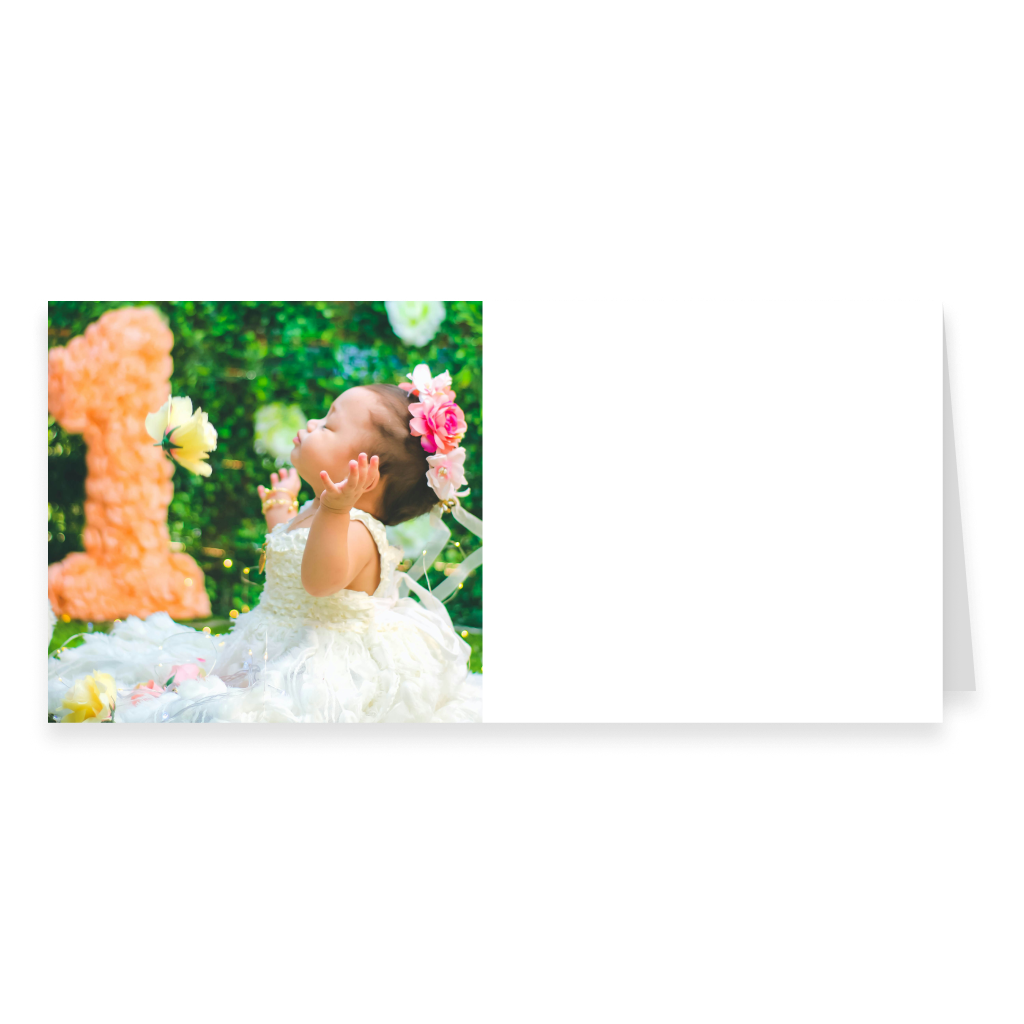
One-Photo DL Landscape Greeting Card with Text
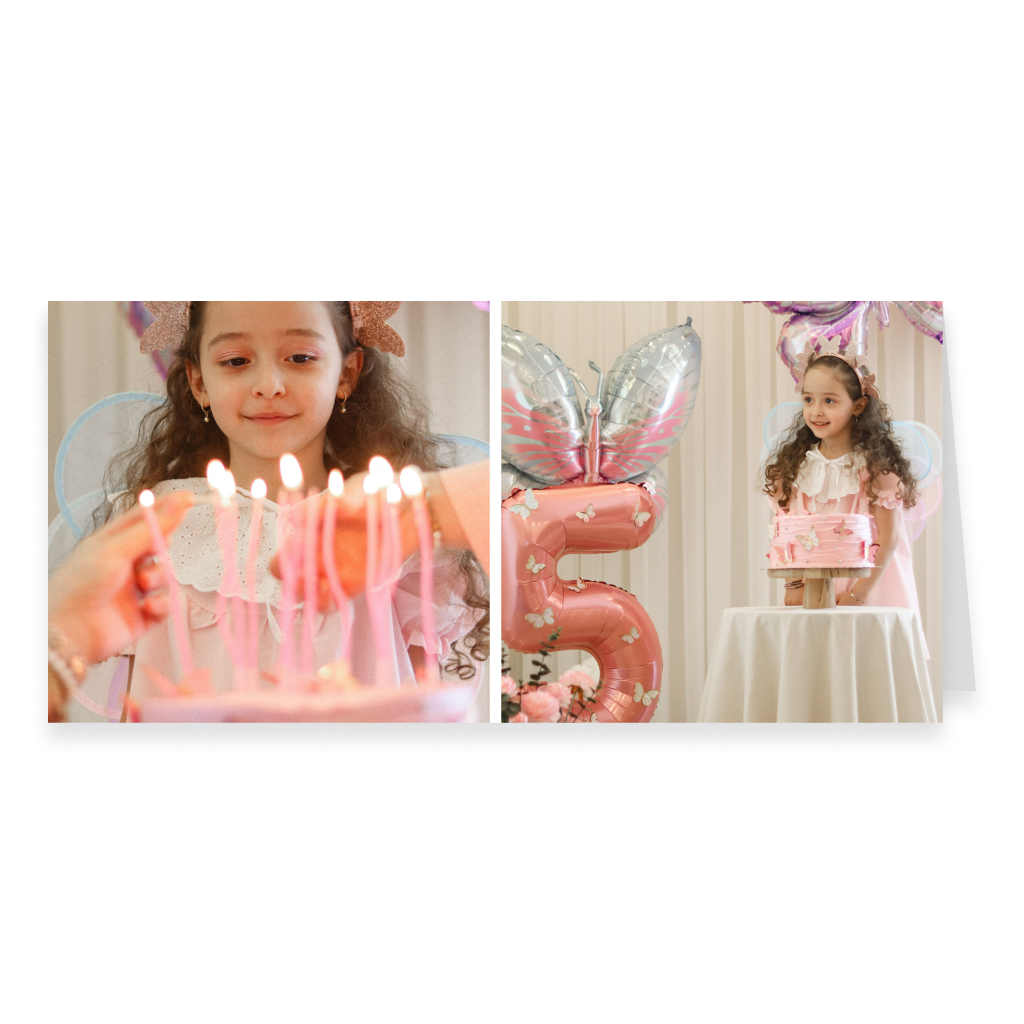
Two-Photo DL Landscape Greeting Card
Two-Photo DL Landscape Greeting Card – Large Left
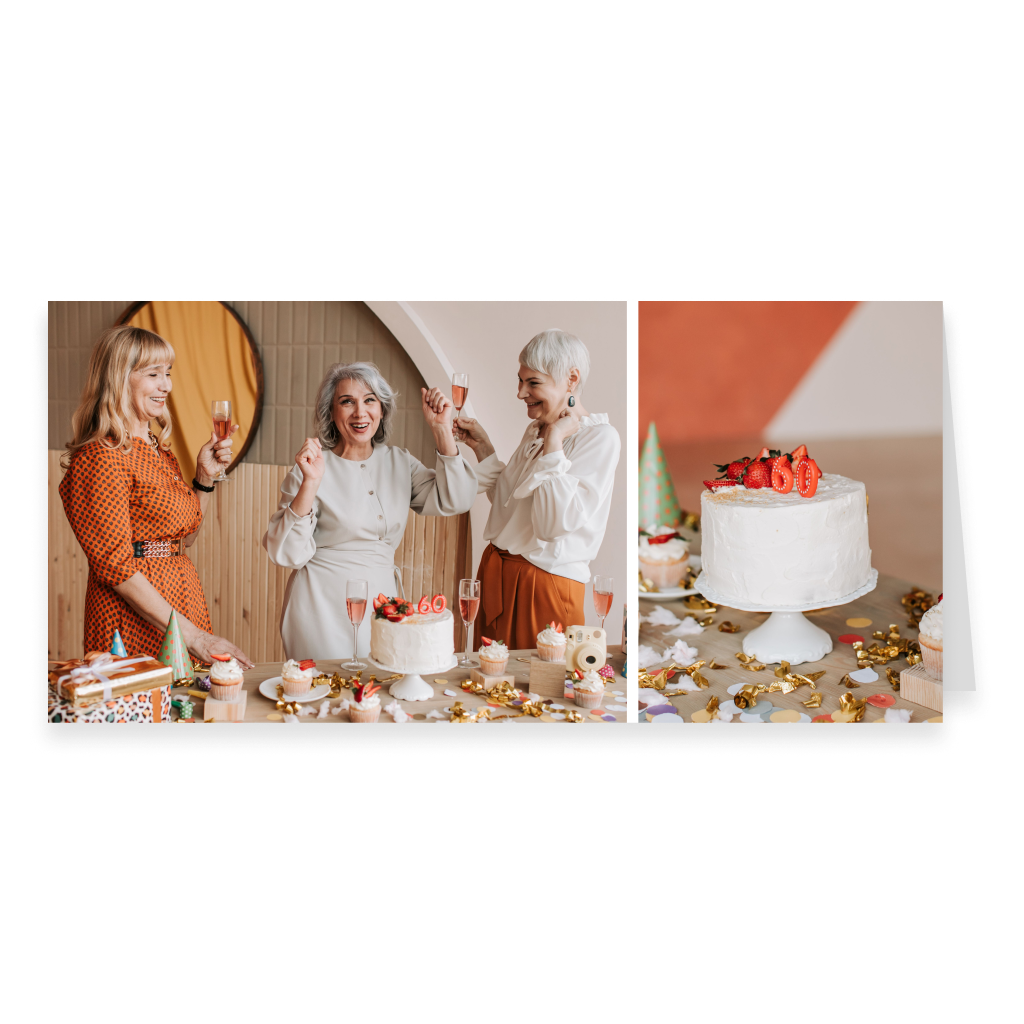
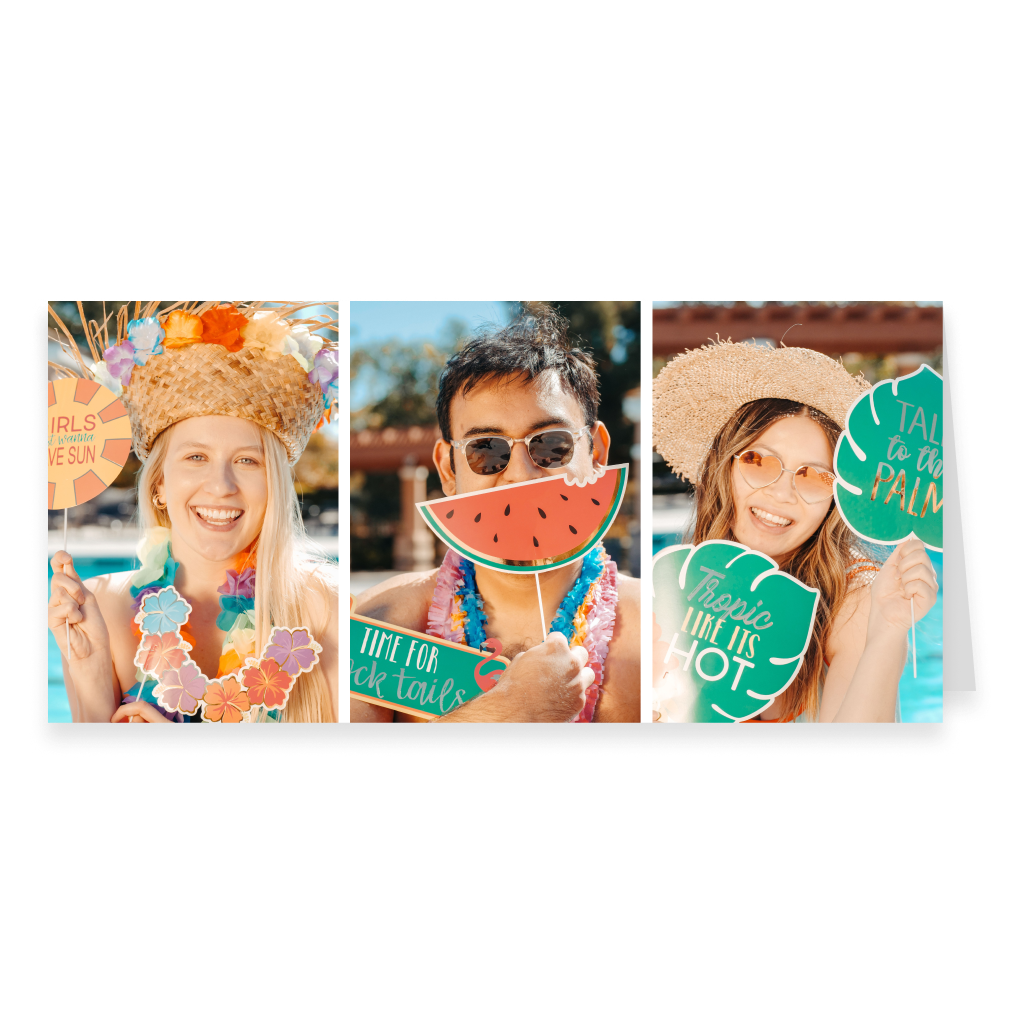
Three-Photo DL Landscape Greeting Card – Row Layout
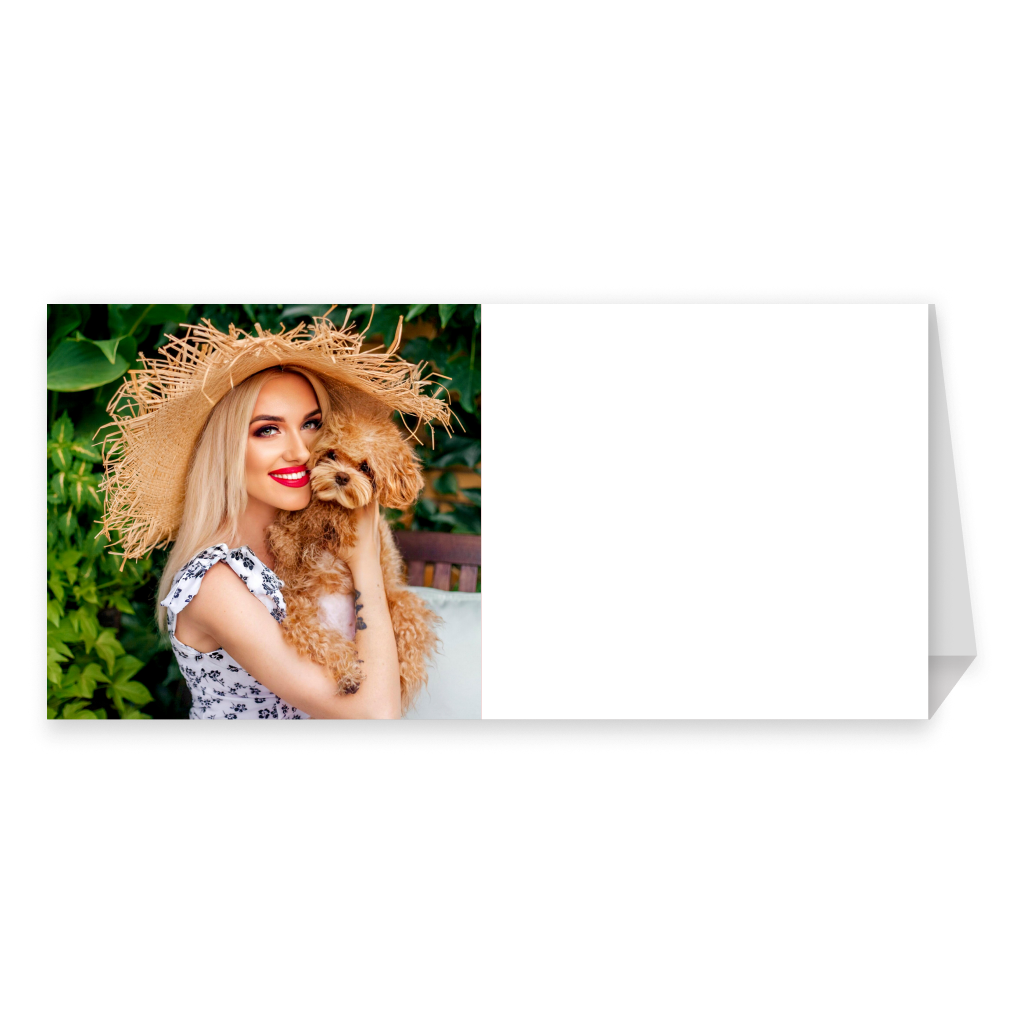
One-Photo DL Landscape Greeting Card with Stand
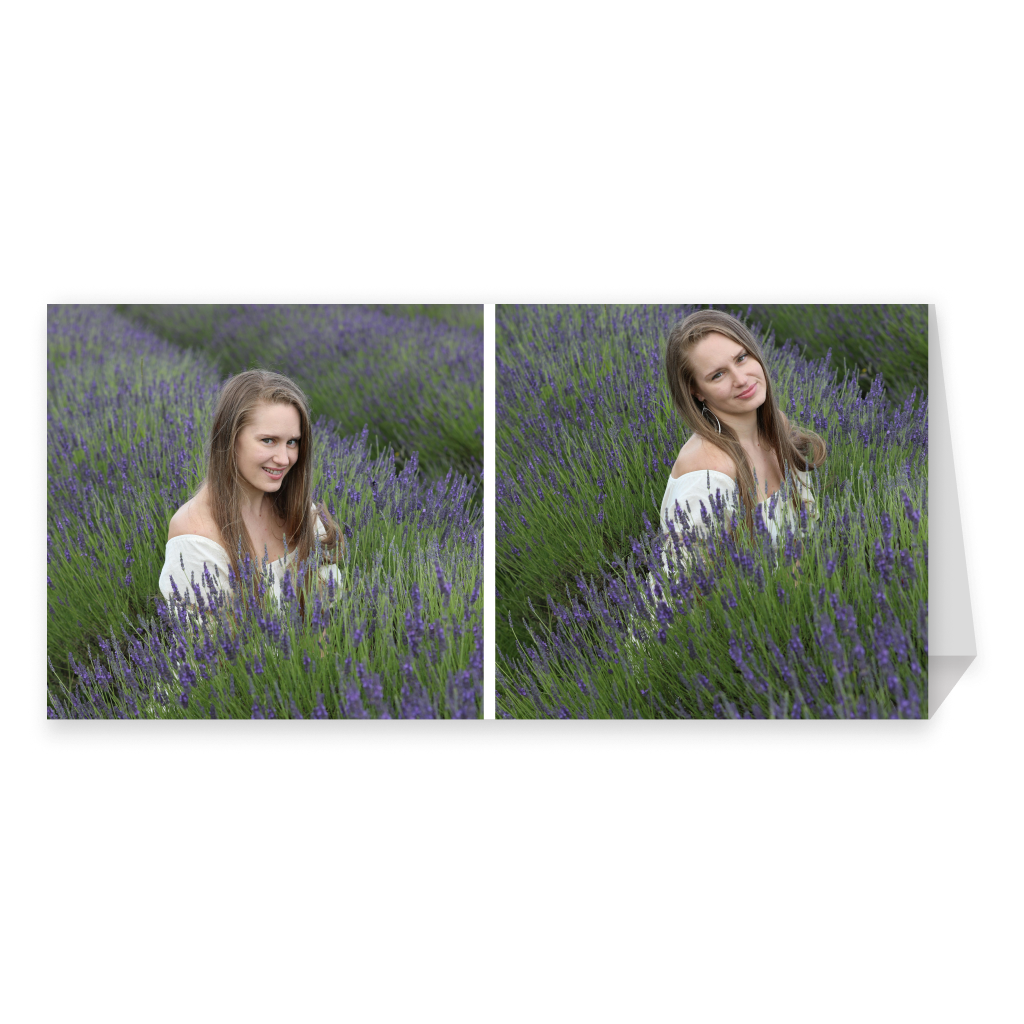
Two-Photo DL Landscape Greeting Card with Stand
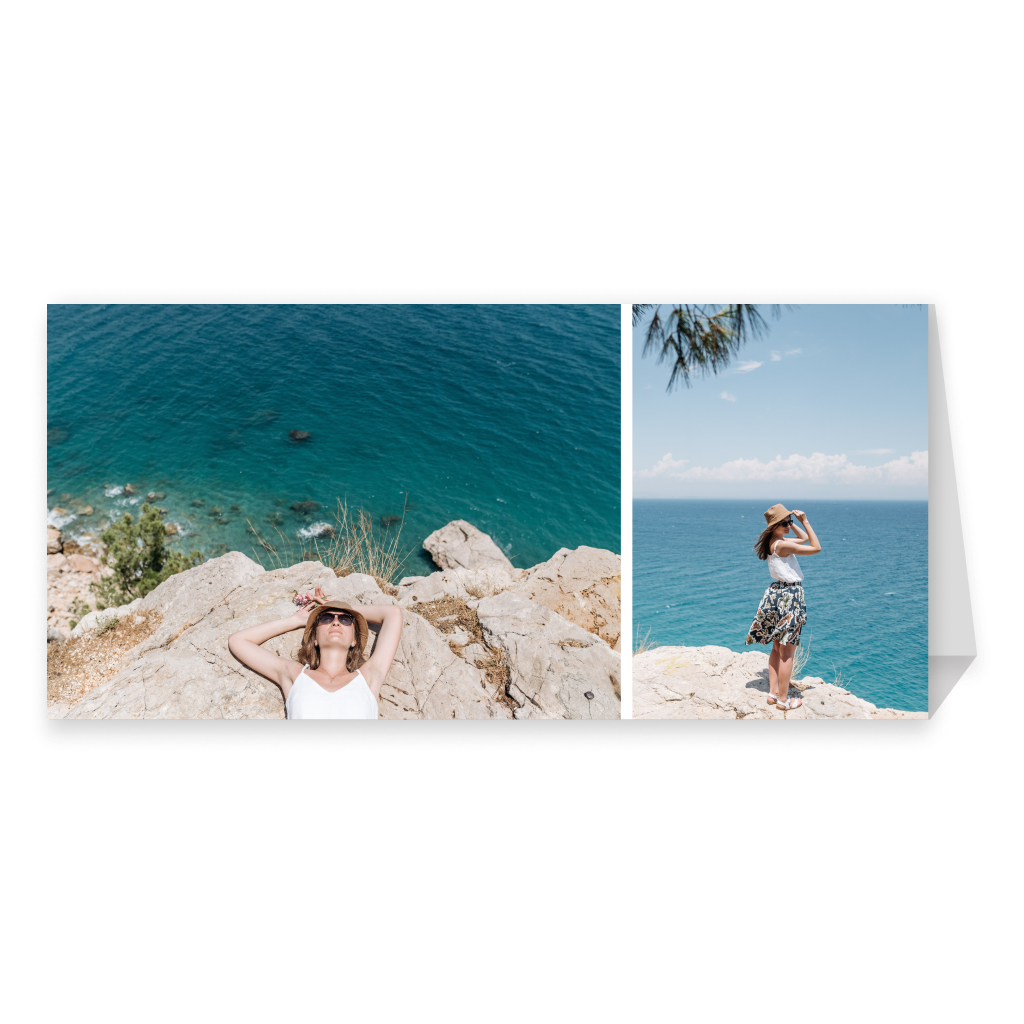
Two-Photo DL Landscape Card with Stand – Large Left
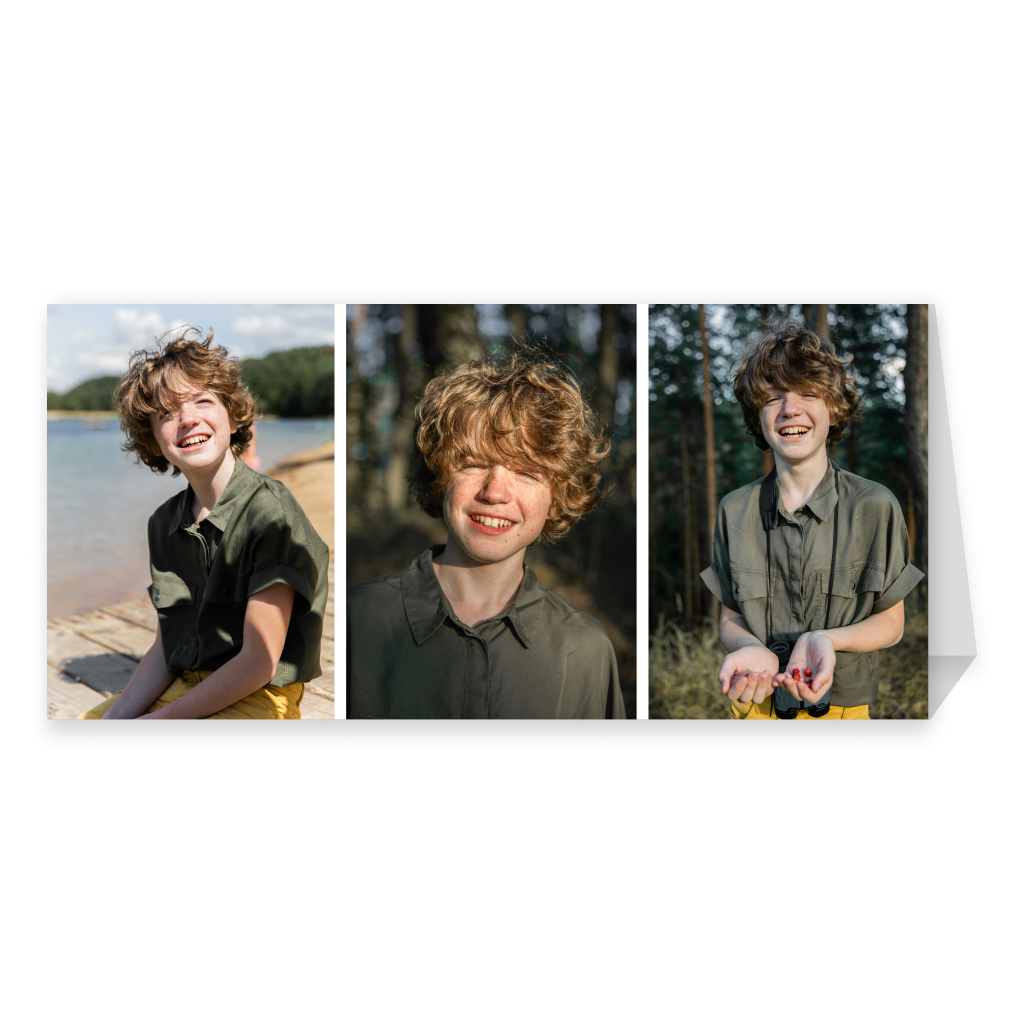
Three-Photo DL Landscape Greeting Card with Stand
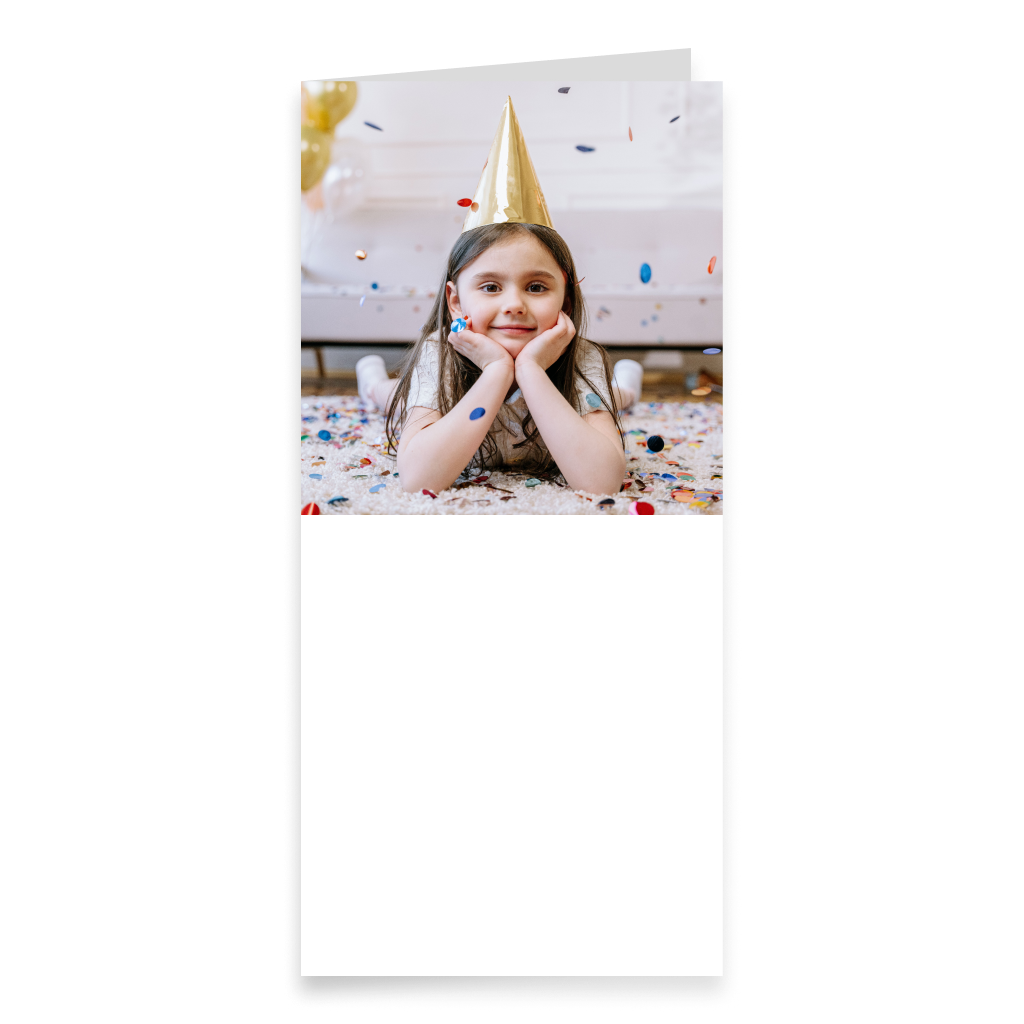
One-Photo DL Portrait Greeting Card with Text
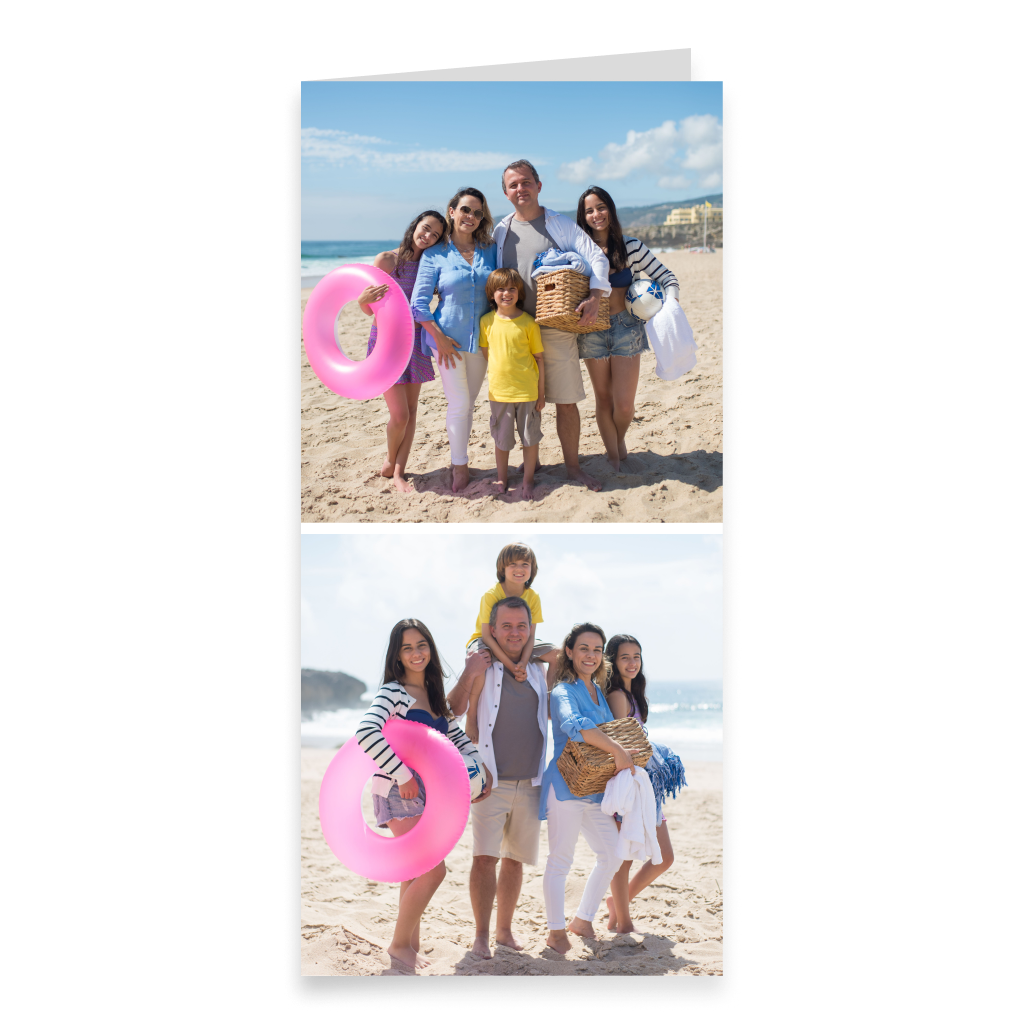
Two-Photo DL Portrait Greeting Card
Two-Photo DL Portrait Greeting Card – Large Top
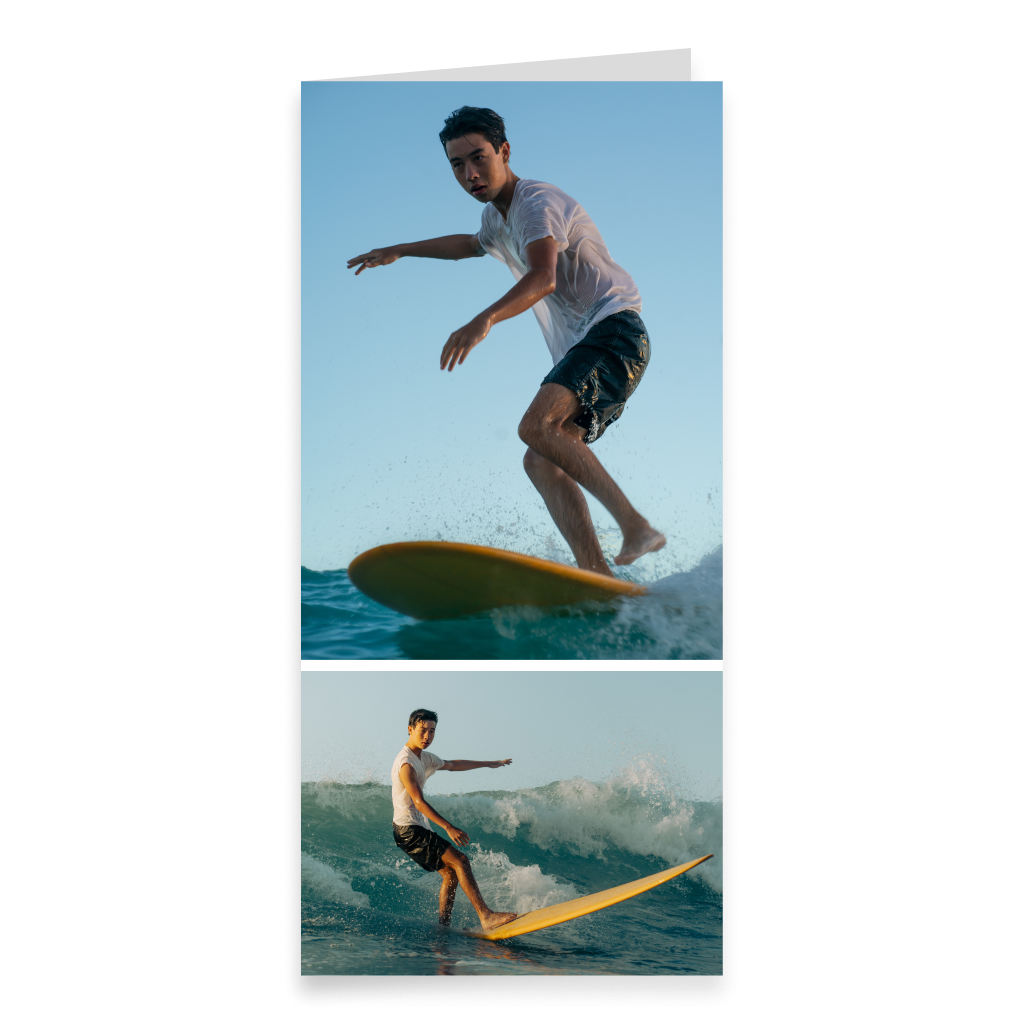
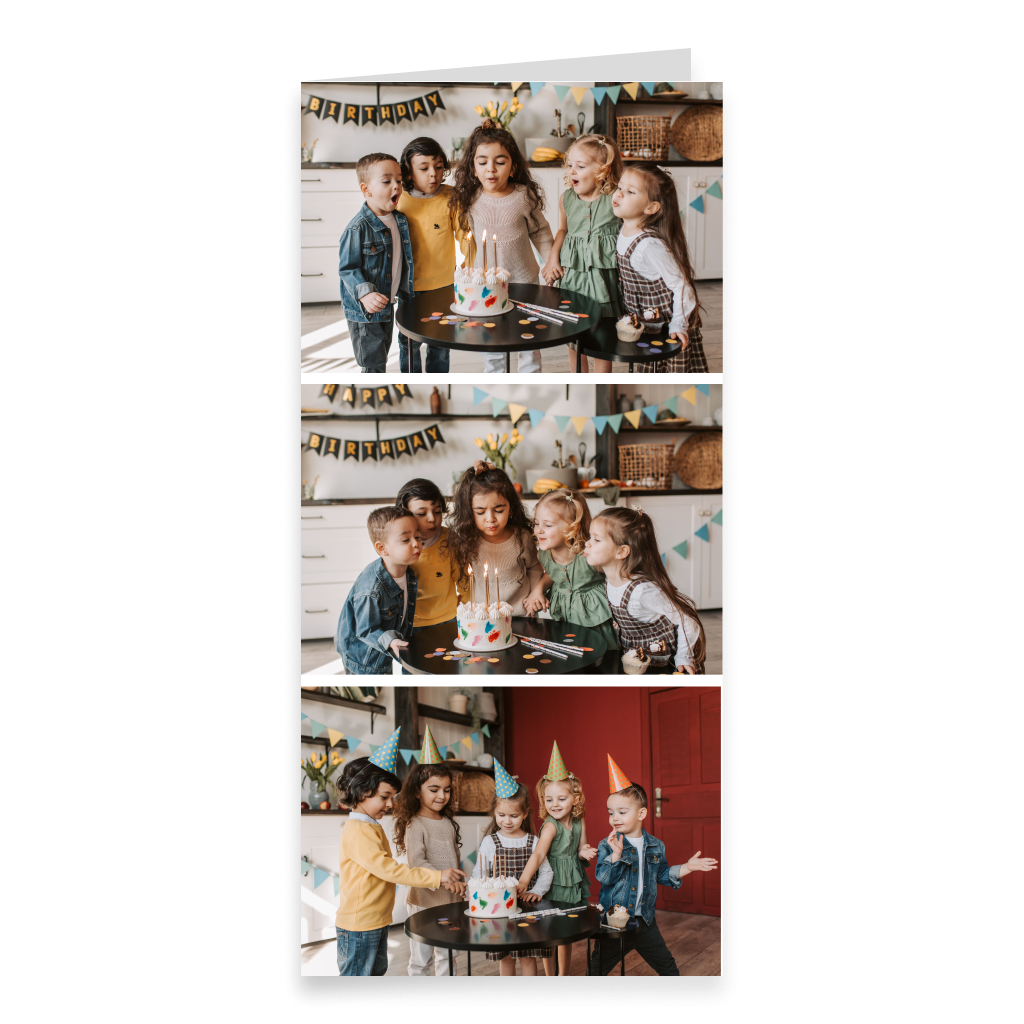
Three-Photo DL Portrait Greeting CardChoose a ready-made greeting card template and personalize it with your own photos, images, and text. Use a portrait, landscape, square, or long DL format, preview the result in interactive 3D, and send the card online or order a printed version with delivery.
More informationHide information
Create a Card Faster with a Ready-Made Template
Card can Fly templates help you create a personalized greeting card without having to build the entire composition from scratch. The layout already includes prepared areas for photos and key elements, so you can focus on your own images and message. Choose a suitable template, upload your photos, and replace the content with your own. You can then add text, adjust the available design elements, and adapt the card to a specific person or occasion. This format is especially convenient when you want a clean composition with several photos without spending time aligning every element manually.
Choose Portrait, Landscape, Square, or Long Format
The template collection includes different greeting card formats, so you can choose the one that best fits your photos and design idea. Portrait templates work well for photos of people, family portraits, vertical images, and compositions that naturally develop from top to bottom. Landscape templates are convenient for group photos, scenery, travel pictures, and wider compositions with several images. Square templates are a good choice for balanced, modern designs and for combining photos with different orientations. Long DL format has an elongated shape and allows for more unusual compositions. The category includes horizontal and vertical options, and one of the card formats can be displayed with a stand on a desk or shelf.
Combine Several Photos in One Card
One of the main advantages of a template is the ready-made structure for multiple images. Instead of choosing just one photo, you can create a small visual story in a single card: add family pictures, travel photos, moments from a celebration, important memories from a relationship, or several images of one person. The template helps keep the layout visually balanced and the photos neatly arranged. You simply choose the images that best express the mood and meaning of your message. This approach works well for birthdays, weddings, anniversaries, new babies, graduations, holidays, and other occasions where one photo is not enough.
Add Your Own Text and Personal Message
A ready-made template provides the structure, but the content of the card remains yours. Add the recipient’s name, a short greeting, a longer personal message, an important date, or a phrase connected to a shared memory. Even a small personal detail can turn a universal layout into a card made for one specific person. If it is difficult to find the right words, you can choose a ready-made greeting or use the Card can Fly AI assistant. It can help create a new message or change the style of text you have already written, for example making it warmer, shorter, funnier, or more formal. The best results usually come from adding your own details so the message feels natural and personal.
Personalize the Template to Match Your Style
A template is a starting point, not a completely fixed design. After adding your photos and text, you can enhance the card with backgrounds, decorative elements, stickers, and other available details. This lets you keep the convenience of a structured layout while still giving the design a more individual look. You can create a bright festive card, a calm family design, a romantic composition, or a minimalist card focused mainly on the photos. The same basic template approach can therefore work for different people, occasions, and moods.
Use a Template for Any Important Occasion
Greeting card templates are not limited to one specific theme. You can use them for birthdays, weddings, anniversaries, holidays, graduations, new jobs, new homes, new babies, thank-you messages, or simply a personal note without a special occasion. Your photos and text define the meaning of the card. The same format can become a romantic card for a partner, a family greeting for parents, or a fun card for a friend. If you need an already designed card for a specific holiday or event, you can choose a themed collection. Templates are a better fit when you want to create the mood yourself using your own photos and message.
Add Spotify Music and a 360° Panorama to the Digital Version
A greeting card can have not only a printed version but also an interactive digital one. Add Spotify music connected to the recipient, the occasion, or a shared memory. For a wedding or anniversary, it might be a meaningful song for the couple. For a birthday, it could be the recipient’s favorite track. For a travel-related card, you might choose music that reminds you of a particular place. The digital version can also include a 360° panorama, creating a visual environment around the card and making the viewing experience more immersive. These features combine the familiar greeting card format with additional digital possibilities.
Preview the Finished Card in Interactive 3D
Before sending or ordering a printed version, you can preview the finished card in interactive 3D. This is especially useful for templates with several photos because you can evaluate the entire composition, check the placement of images and text, and review the overall balance of the design. The 3D view lets you see the card as a three-dimensional object rather than only as a flat layout on the screen. If a photo, line of text, or design element does not look the way you expected, you can return to editing and make changes before completing the order.
Send the Card Online or Order a Printed Version
After personalizing the template, you can choose the most convenient way to send it. The card can be sent only in digital format, which is especially useful if the recipient lives far away or the greeting needs to arrive quickly. You can also order a printed version with delivery directly to the recipient. If you want to hand the card over personally, add it to a gift, or mail it yourself, you can have the printed version delivered to your own address. You can also add a digital copy to the printed card, so the recipient gets both a physical card and an interactive version.
Template or Create from Scratch — Which Should You Choose?
A template is a convenient option if you like having a ready-made structure and want to place several photos into a clean, organized composition quickly. If you already have a fully original idea and want to decide exactly where every photo, text block, and decorative element should go, Greeting Card Creator with a blank canvas may be a better choice. In both cases, you can personalize the card with your own photos and message. The difference is the starting point: a template already provides the composition, while the creator lets you build the design completely from scratch.
Find a Template That Fits Your Photos
When choosing a template, it is useful to think about the photos first. Portrait layouts work well for vertical images, while landscape templates are a natural fit for wide scenery and group photos. Square templates provide a balanced composition, and long DL format can create a more distinctive visual presentation. If you want to use several photos, look at the placement of the image areas and decide which pictures should be the main ones and which can play a supporting role. The right template helps bring photos and text together into one composition, while your personal details make the card truly yours.
FAQ
What is a greeting card template?
It is a ready-made layout with a prepared structure and placement of elements. You add your own photos, images, and text and personalize the card for a specific person or occasion.
What template formats are available?
You can choose portrait, landscape, square, and long DL templates. The long category includes different orientations, and one of the formats can be displayed with a stand.
Can I add several photos?
Yes. Many templates are designed specifically for compositions with multiple photos.
Can I edit the template and add my own text?
Yes. You can upload your own photos and images, add a personal message, and use the available personalization elements.
Can I create a greeting with AI?
Yes. The Card can Fly AI assistant can help create a new greeting or change the style of text you have already prepared.
How are templates different from Greeting Card Creator?
A template already includes a prepared composition for photos and other elements. In Greeting Card Creator, you start with a blank canvas and build the design yourself from scratch.
Can I send the card only online?
Yes. The finished card can be sent digitally without ordering a printed version.
Can I order a printed card to my own address?
Yes. The printed version can be sent directly to the recipient or delivered to your own address so you can hand it over personally or mail it yourself.
Can I add music, a 360° panorama, and preview the card in 3D?
Yes. The digital version can include Spotify music and a 360° panorama, and the finished card can be previewed in interactive 3D before sending.