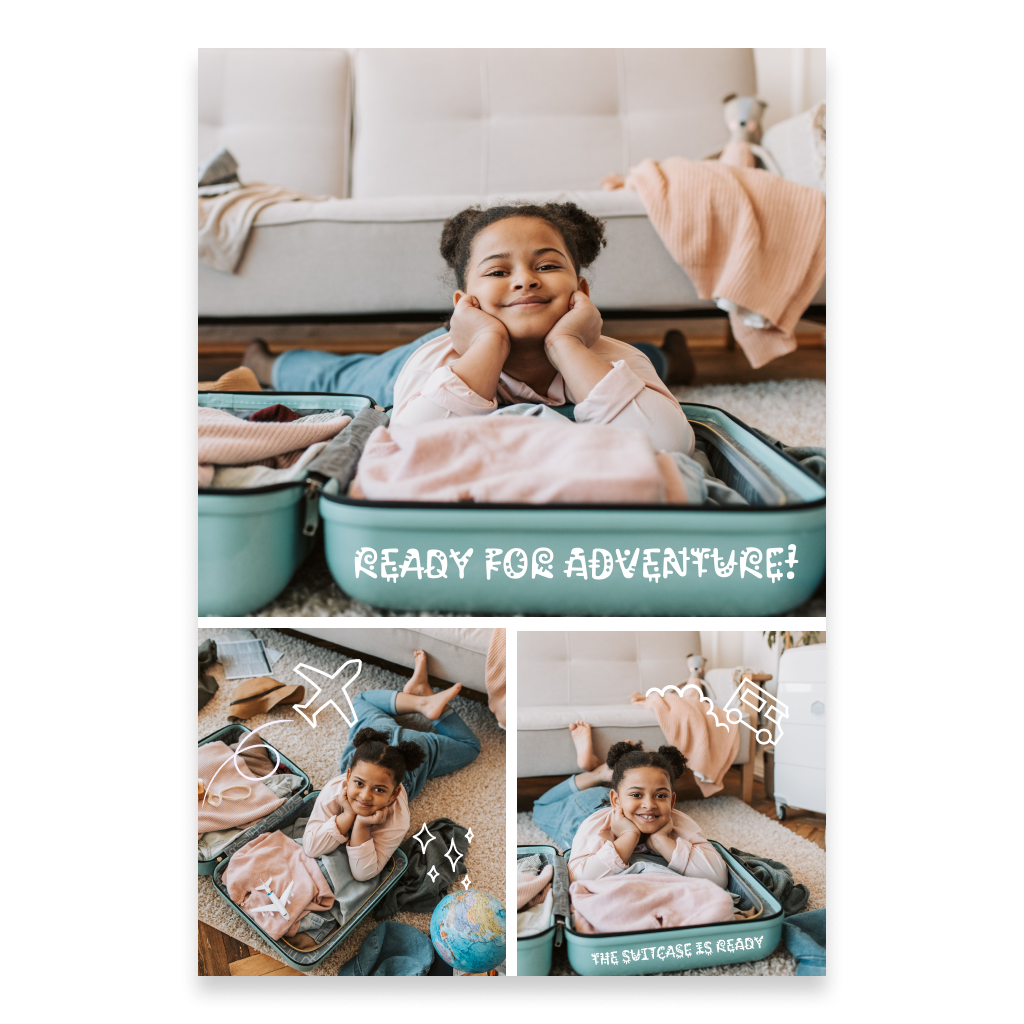
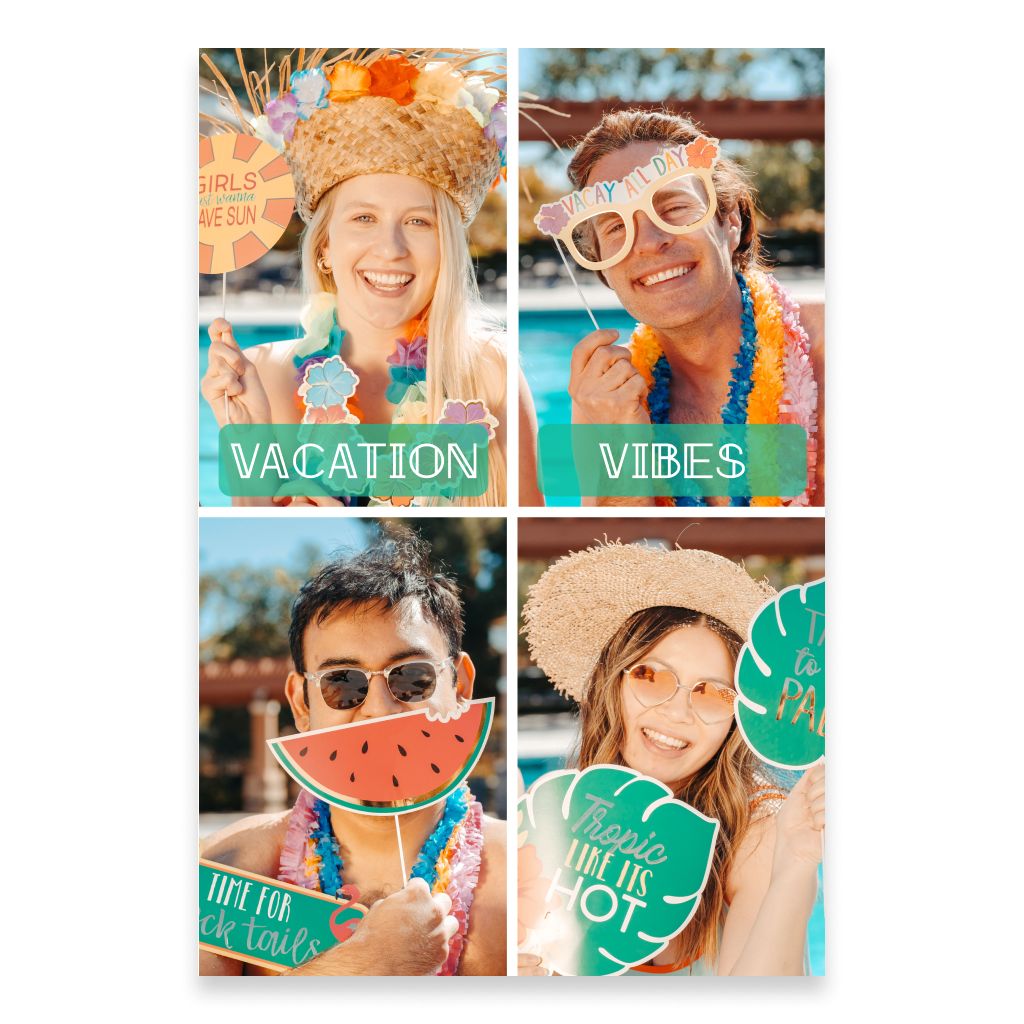
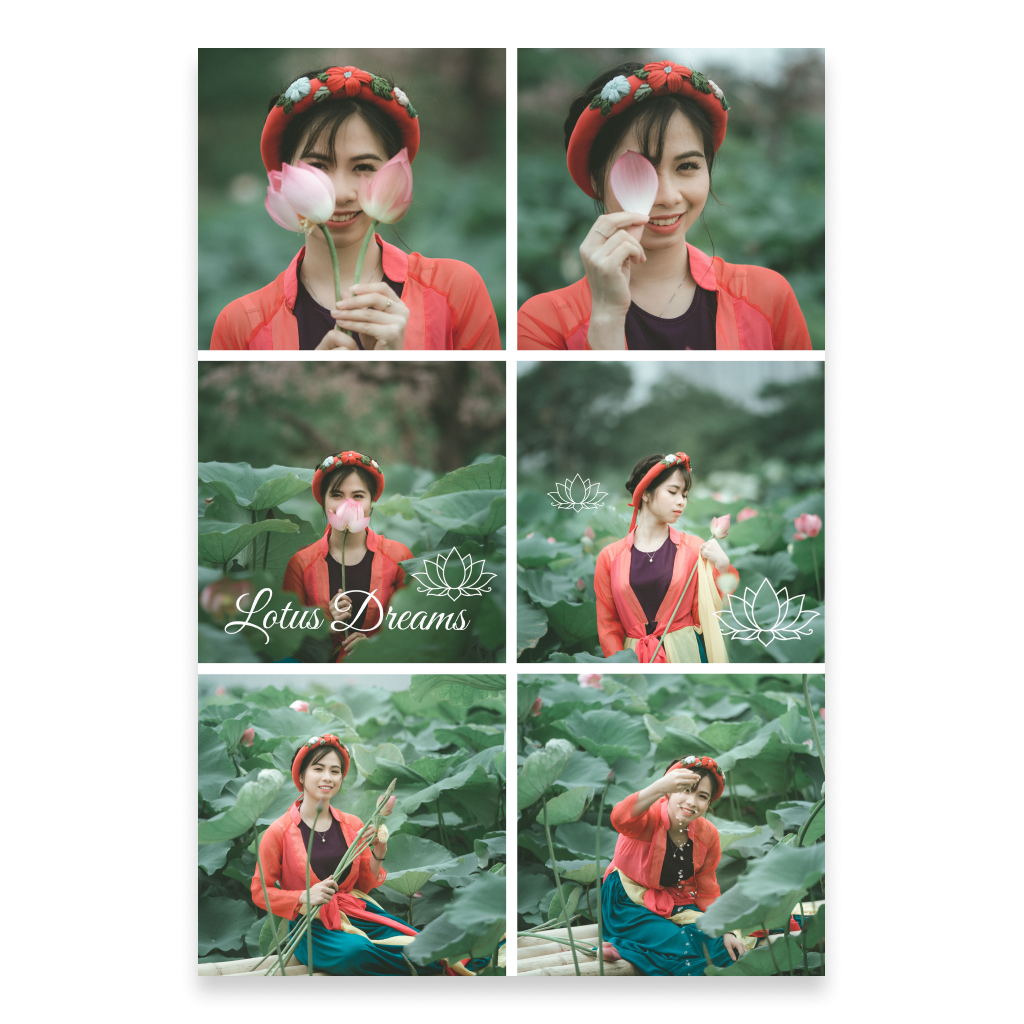
Portrait Postcard Templates
Available designs
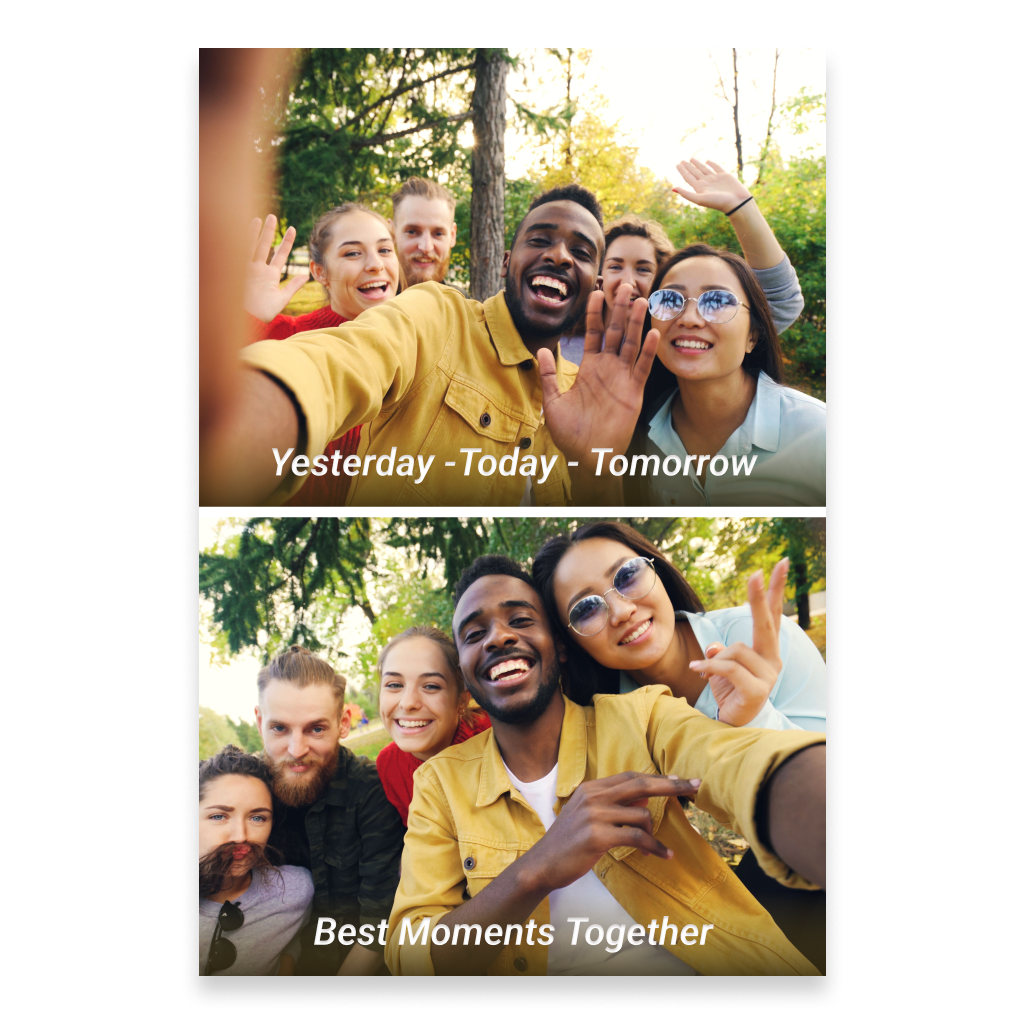
Choose a ready-made portrait postcard template and fill it with your own photos, text, and other elements. Add a personal message and recipient details on the back, enhance the digital version with Spotify music or a 360° panorama if you wish, and preview the finished postcard in interactive 3D.
More informationHide information
Create a Portrait Postcard from a Ready-Made Photo Template
This section features portrait templates for classic postcards that help you quickly create a clean composition with several photos. Instead of building the entire design from scratch, you can choose a suitable layout and fill the prepared areas with your own images. After uploading your photos, you can further personalize the template with your own text, decorative elements, and any other information you want to include. The ready-made structure helps keep the design visually balanced while still giving you plenty of freedom to customize it. Portrait templates work especially well for portrait photography, full-length photos, pictures of couples and families, children’s photos, architecture, and other images where vertical composition is important.
Combine Several Photos in One Portrait Layout
Templates make it easy to place several images on one postcard and combine them into a single visual story. For example, you can use a series of portraits, collect several family moments, show different parts of one event, or bring together photos from a trip. The portrait orientation works well for layouts that flow from top to bottom and makes it easy to combine images of different sizes. The template provides the basic photo arrangement, while the content remains completely yours. You choose the images, add text, and adapt the postcard to the occasion, mood, and person you are sending it to.
Photos on the Front, Personal Message on the Back
As with other classic postcards from Card can Fly, the front side is mainly intended for visual content, while the back is used for a personal message and recipient details. Once the front composition is ready, add a few personal words on the back. It can be a birthday greeting, a thank-you note, greetings from a trip, a small invitation, or simply a short message sent for no particular occasion. Traditional postcards are often mailed without an envelope, but Card can Fly uses a protective envelope. This helps preserve the appearance of the postcard during delivery while also protecting the privacy of the personal message and recipient details.
Add Music and a 360° Panorama to the Digital Version
A printed postcard can also be enhanced with a digital version and interactive elements. You can add music from Spotify that connects to the photos, recipient, or occasion. For example, you might pair a set of family photos with a meaningful song or add a track associated with a particular destination to travel pictures. You can also add a 360° panorama to create an additional visual environment around the postcard in digital view. This turns a simple photo composition into more than just a printed postcard — it can also become a richer digital experience.
Preview Your Portrait Postcard in 3D Before Sending
Before placing the order, you can open the finished postcard in interactive 3D view. This is especially useful for templates containing several photos because you can review the full composition, check the placement of images and text, and make sure the portrait layout looks balanced. If you added music or a 360° panorama, they also become part of the digital experience. After reviewing the result, you can return to editing or complete the order once everything looks the way you want.
When to Choose a Portrait Postcard Template
A portrait template is especially useful when you want to place several vertically oriented photos in a clean composition without having to build the entire design from scratch. It works well for portraits, photos of one person or a couple, family and children’s photos, full-length shots, wedding pictures, vertical travel photos, architecture, and small visual stories. If you have one photo that you want to make the main focus of the entire front side, a standard Portrait Photo Postcard may be a better choice. If you want to combine several images in a ready-made portrait layout, a template helps you do it faster and more easily.
FAQ
How is a portrait template postcard different from a standard photo postcard?
A template postcard already includes a prepared layout for several photos. You upload your images into the existing composition and can then add text or other elements. A standard photo postcard usually focuses on one main image.
Can I use several of my own photos?
Yes. You can upload your own images into the areas provided by the template and combine them into a single composition.
Can I add my own text and other elements to the template?
Yes. In addition to photos, you can add your own text and other available elements to personalize the postcard.
How is the back of the postcard filled in?
You can add a personal message and recipient details on the back, just like with other classic postcards from Card can Fly.
Can I add music, a 360° panorama, and preview the postcard in 3D?
Yes. The digital version can include Spotify music and a 360° panorama, and you can preview the finished postcard in interactive 3D before sending it.
Is this type of postcard sent in an envelope?
Yes. Although traditional postcards are often mailed without an envelope, Card can Fly uses a protective envelope to help keep the postcard in good condition during delivery and protect the privacy of the message and recipient details.