Create a Long DL Card from Scratch
Available designs
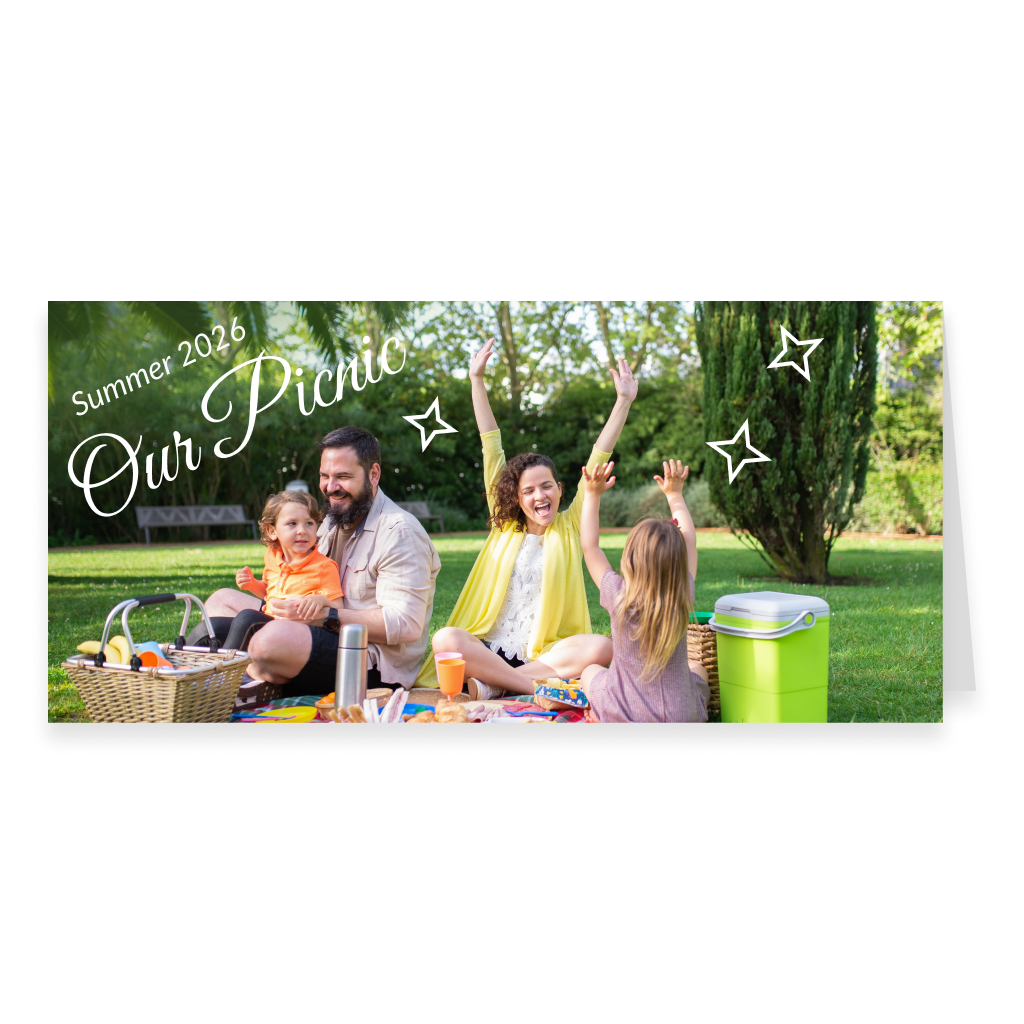
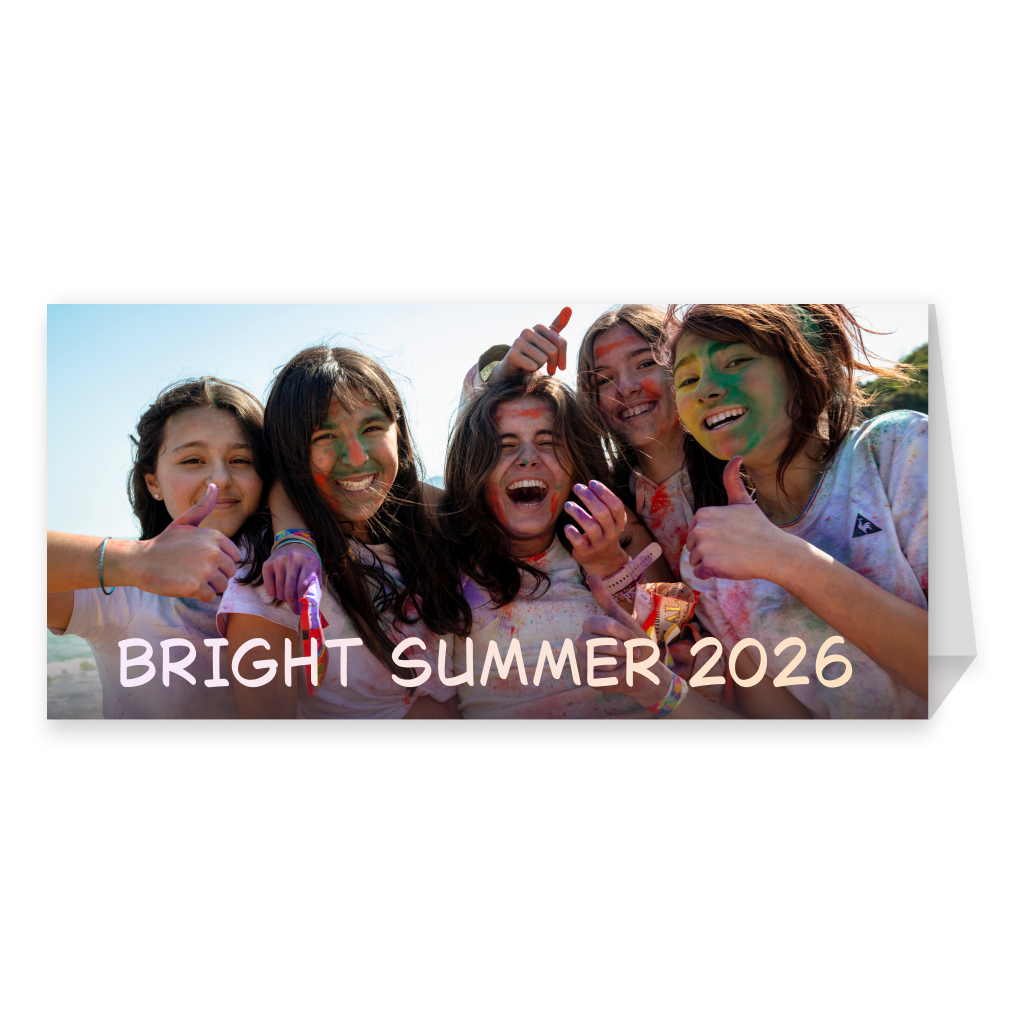
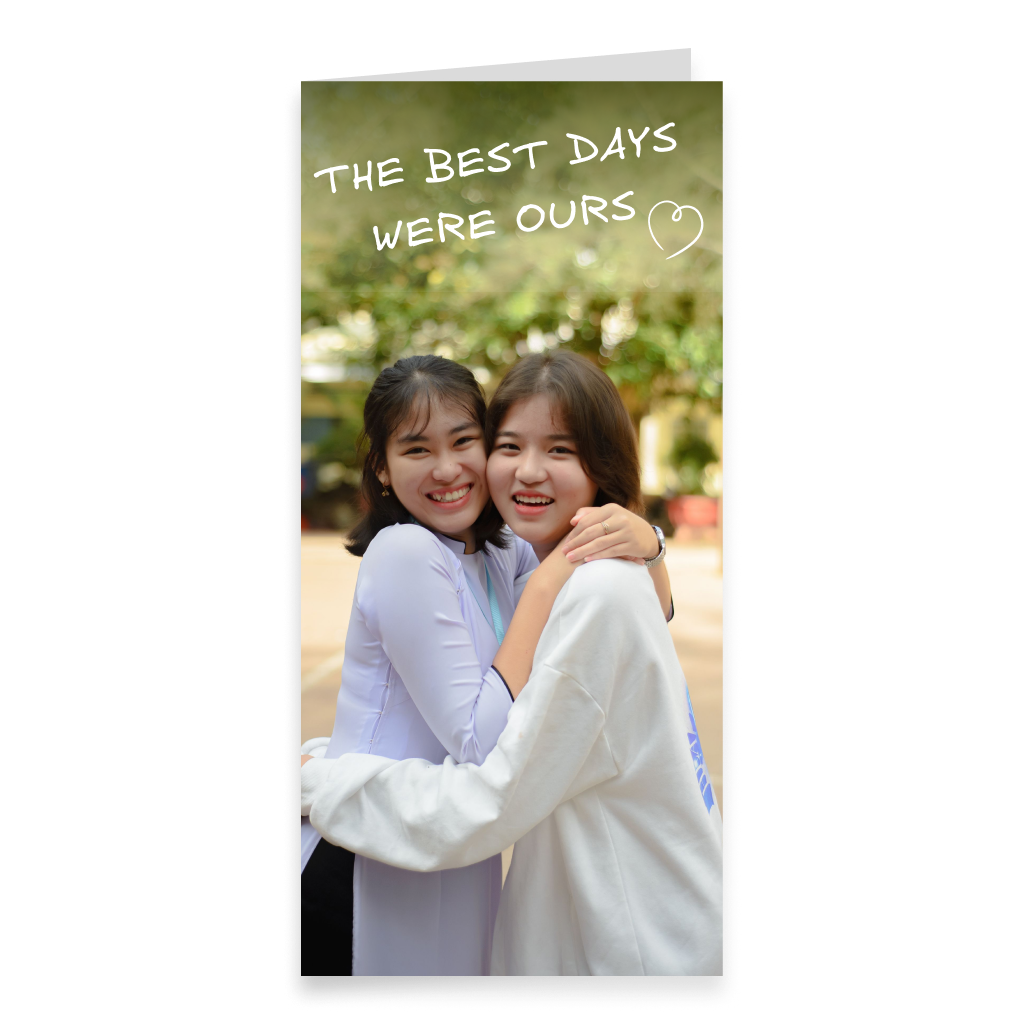
Start with a blank long DL format and create your card exactly the way you imagine it. Choose a horizontal, vertical, or stand-up version, add photos, text, drawings, stickers, Spotify music, and a 360° panorama, then preview the finished design in interactive 3D before sending or printing it.
More informationHide information
Create a Long Card Entirely Your Way
If a standard card format does not fit your idea, choose a long DL card and start with a blank canvas in the Card can Fly editor. The elongated shape gives you more freedom for unusual compositions. You can upload your own photos and images, add text, use drawing tools, ready-made stickers, decorative elements, and backgrounds. Every element can be positioned to match your idea. The collection includes both horizontal and vertical DL formats. The horizontal version works well for panoramic photos, group pictures, travel images, wide compositions, and several photos placed side by side. The vertical version is a good choice for elongated portraits, sequential layouts, and designs where elements are arranged from top to bottom. One of the available formats also lets you create a card with a stand. This option can be used not only as a greeting card, but also as a decorative piece that the recipient can place on a desk, shelf, or another surface.
Add Music and Create an Atmosphere with a 360° Panorama
A long card can be more than just a printed composition — it can also become a complete digital greeting experience. Add music from Spotify so the card is accompanied by a song or track connected to the recipient, the occasion, or a shared memory. For an even more immersive presentation, you can add a 360° panorama. It becomes part of the 3D view and creates an additional visual environment around the card — for example, a festive setting, a beautiful landscape, a romantic scene, or a place that has special meaning. This turns a simple greeting card into a more interactive and emotional experience.
Preview Your Long Card in 3D Before Sending or Printing
Before placing the order, you can open the finished card in interactive 3D view. This is especially useful for the long DL format, where proportions and element placement matter. Check how the photos, text, drawings, and decorative elements look together and make sure the composition works well as a whole. If you added music or a 360° panorama, you can also experience them as part of the digital presentation. For the stand-up version, the 3D preview helps you imagine how the finished card will look when displayed upright. If you want to make any changes, you can return to the editor before completing the order.
Send the Card Online or Order a Printed Version
Once your design is finished, choose the delivery option that works best for you. You can send the long DL card online in digital format. The recipient will be able to open it as an interactive 3D card, view your design, listen to the selected music, and explore the 360° panorama. If you prefer a physical card, order a printed version. Depending on the selected option, this can be a horizontal or vertical card, as well as a stand-up format. You can also add a digital version to the printed card, combining a physical greeting with an interactive digital experience. The finished card can be sent directly to the recipient or delivered to your own address so you can give it in person, include it with a gift, or send it yourself.
Create a Stand-Up Card
One of the long DL formats can be created with a stand. This allows the recipient not only to read the card, but also to display it on a desk, workspace, shelf, or another surface. It can work as a small decorative photo card or keepsake. The stand-up format is especially suitable for family photos, memorable pictures, greetings, small photo collages, and designs that deserve to stay on display after the occasion. You can design the front yourself, add photos, text, and decorative elements, then preview the result in 3D before placing the order.
Create a Reel Directly from the 3D View
After placing the order, the long card can be opened in interactive 3D view and a Reel can be generated directly from that mode for social media. Both the sender and the recipient can create a Reel. The video can showcase the design itself, the elongated DL proportions, the 3D presentation, and the 360° panorama. Horizontal DL cards work especially well with panoramic photos, while vertical versions are well suited to dynamic elongated compositions. This turns a personal greeting into a short visual video that can be shared on social media.
Why Choose a Long DL Format
The main feature of the DL format is its elongated shape. It looks noticeably different from standard vertical, horizontal, and square cards and gives you different possibilities for composition. Horizontal DL works well for wide photos, panoramas, group pictures, and layouts made from several images. Vertical DL is a good choice for portraits, long illustrations, photo sequences, and compositions with a strong top-to-bottom flow. The stand-up version can also turn the card into a small decorative object that can remain on display. If you want to create something unusual and move away from a standard card shape, DL is a good format for experimenting with photos, text, and original layouts.
FAQ
What is a DL card format?
DL is an elongated card format. Card can Fly offers horizontal and vertical DL versions, as well as a separate stand-up option.
Can I create a long card completely from scratch?
Yes. You can choose a blank DL format and create the entire design yourself in the Card can Fly editor.
Are both horizontal and vertical DL cards available?
Yes. The section includes both horizontal and vertical long formats, so you can choose the proportions that best suit your composition.
Can I create a DL card with a stand?
Yes. One of the available options includes a stand, allowing the finished card to be displayed on a desk, shelf, or another surface.
Can I add my own photos?
Yes. You can upload your own photos and images and use them in your card design.
Can I use several photos in one card?
Yes. The long format works well for photo collages, image sequences, and layouts made from several photos.
Can I draw directly in the editor?
Yes. The editor includes drawing tools as well as ready-made stickers, images, and decorative elements.
Can I add music to the card?
Yes. You can add music from Spotify so the digital greeting is accompanied by a selected track.
Can I add a 360° panorama?
Yes. You can add a 360° panorama that appears in the interactive 3D view and creates an additional atmosphere around the card.
Can I preview the card before placing the order?
Yes. Before sending or printing, you can open the 3D preview and see the finished card together with the added digital elements.
Can I send a long card online?
Yes. The finished DL card can be sent digitally so the recipient can open it as an interactive 3D card.
Can I have the card delivered to my own address?
Yes. You can have the printed card delivered to your address and then give it in person, include it with a gift, or send it yourself.
Can I create a Reel with a long card?
Yes. A Reel can be generated directly from the 3D view of the finished card.
What kinds of designs work best with the long DL format?
DL works especially well for panoramic photos, group pictures, elongated portraits, photo collages, image sequences, and unusual custom compositions.