Create a Square Card from Scratch
Available designs
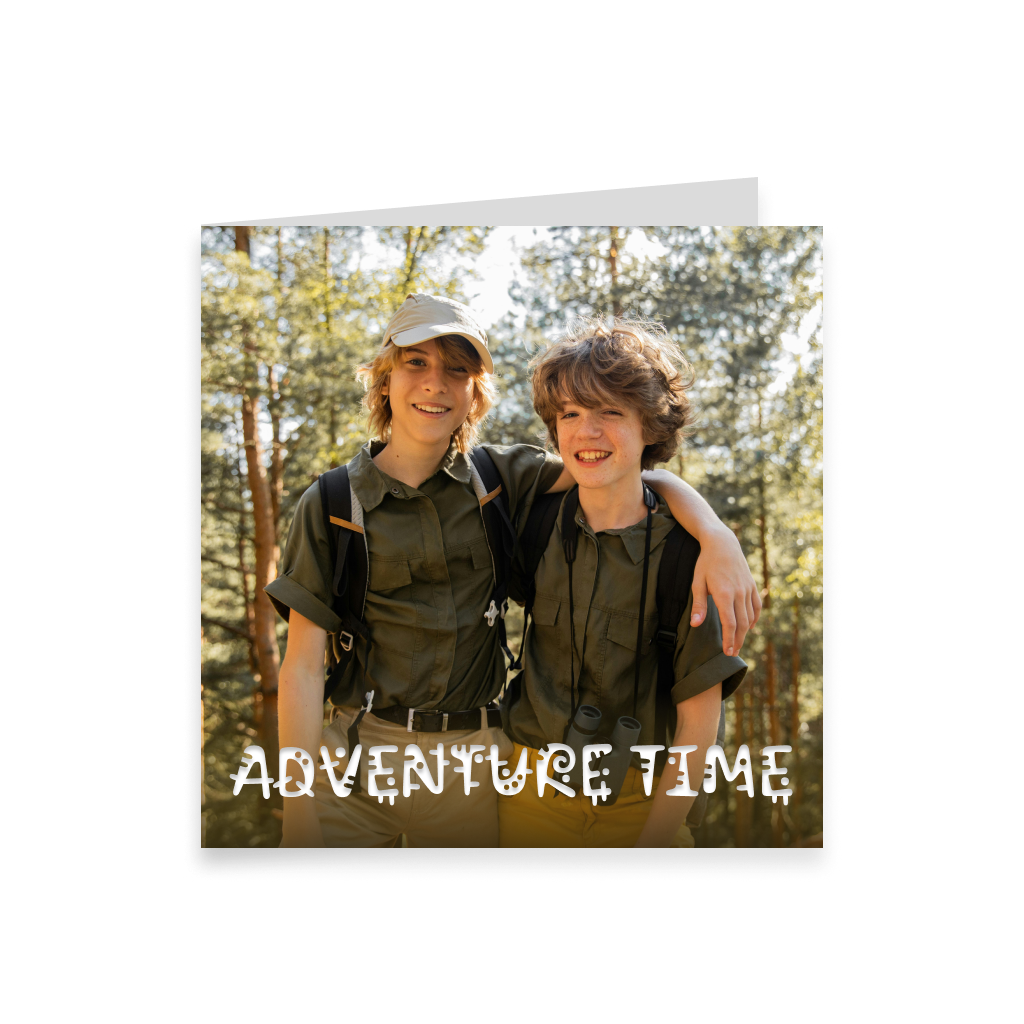
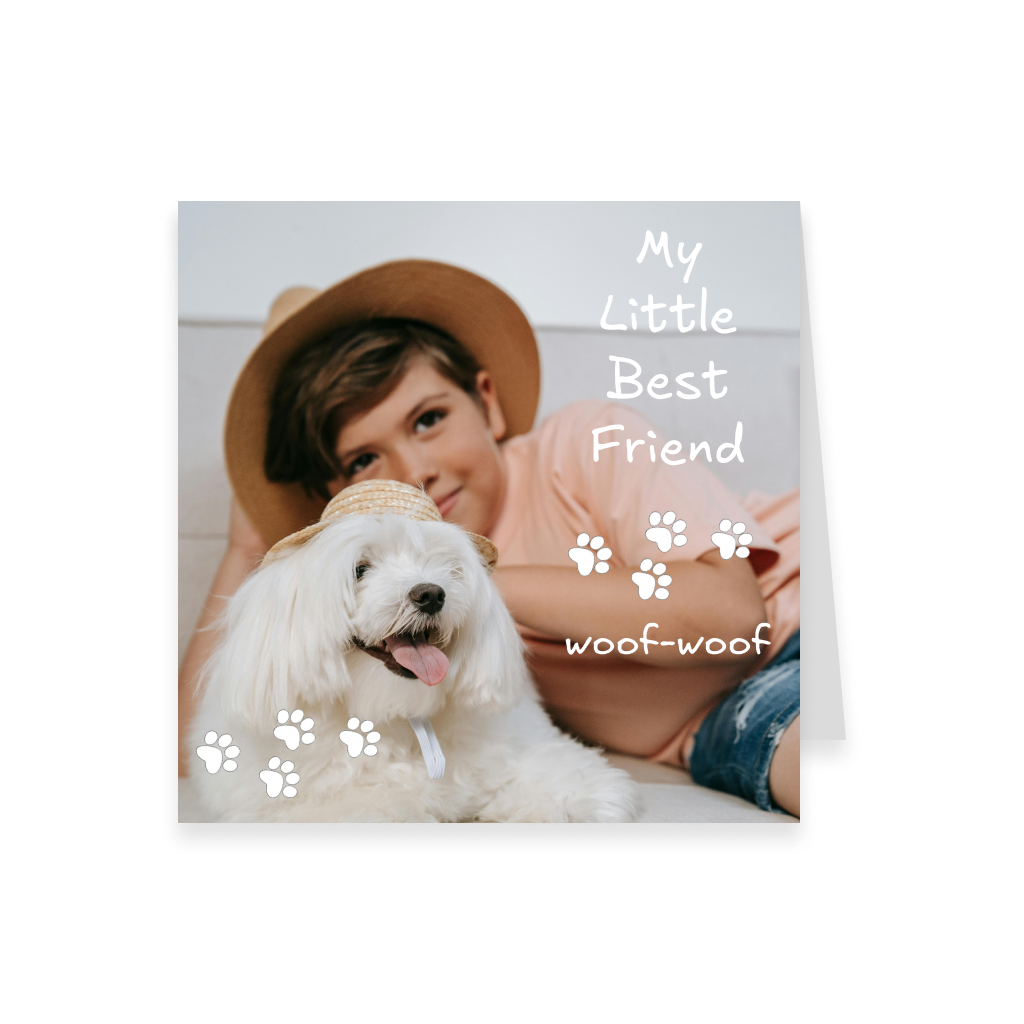
Start with a blank square format and create your card exactly the way you imagine it. Add photos, text, drawings, stickers, backgrounds, Spotify music, and a beautiful 360° panorama, then preview the finished card in interactive 3D before sending or printing it.
More informationHide information
Create a Card Entirely Your Way
If a ready-made template does not fit your idea, start with a blank square format and create the card yourself in the Card can Fly editor. Add your own photos and images, write a personal message, use drawing tools, ready-made stickers, decorative elements, and backgrounds. You decide where every element goes and how the final composition will look. The square format works especially well for modern, clean, and visually balanced designs. It is a great choice for photos, collages, illustrations, and layouts where the image and text should share the space more evenly. You can create a minimalist card with one photo and a short message, build a neat photo collage, add drawings, or design a completely original card from scratch. If you want to make the greeting more emotional, you can add music from Spotify. A favorite song, a meaningful track, or music connected to the recipient can become part of the digital greeting. For a more atmospheric 3D experience, you can also add a 360° panorama. It surrounds the card within the digital scene and helps create the right mood — festive, romantic, scenic, or connected to a special place.
Preview Your Card in 3D Before Sending or Printing
Before sending the card or placing a print order, you can open it in interactive 3D view. This allows you to see not only the card design itself, but also the additional digital elements, including the selected music and 360° panorama, if you added them while creating the card. Check the placement of photos, text, and decorative elements, review the balance of the composition, and see how the square card looks in 3D. If you want to change anything, you can return to editing before completing the order. The 3D preview helps you see the card the way the recipient will experience it and make sure the design looks exactly as you intended.
Send the Card Online or Order a Printed Version
Once your design is finished, choose the delivery option that works best for you. You can send the square card online in digital format. The recipient will be able to open it as an interactive 3D card, view your design, listen to the music you added, and explore the selected 360° panorama. If you prefer a physical card, order a printed version. You can also add a digital copy so the recipient receives both a traditional printed card and an interactive digital greeting. The finished printed card can be sent directly to the recipient or delivered to your own address so you can give it in person, include it with a gift, or send it yourself.
Create a Reel Directly from the 3D View
After placing the order, the card can be opened in interactive 3D and a Reel can be generated directly from the 3D viewing mode for social media. Both the sender, after completing the order, and the recipient can create a Reel. The video can showcase not only the card design itself, but also the visual effect of the 3D presentation, including the 360° panorama surrounding the card. The square format can look especially effective in a Reel thanks to its balanced proportions and the way it combines photos, text, and decorative elements. This turns a personal greeting into a short visual video that can be shared on social media.
Why Choose a Square Format
A square card looks modern and versatile. Because the width and height are equal, it works especially well for balanced compositions where photos, text, and decorative elements should complement each other visually. This format is a good choice for portrait and family photos, photo collages, illustrations, minimalist designs, and greetings where symmetry is important. The square canvas also works well for one large central image, several smaller photos, or a combination of an image and a short message. If your idea works better in a different aspect ratio, you can choose a vertical, horizontal, or long format and also start your design from a blank canvas.
FAQ
Can I create a square card completely from scratch?
Yes. You can start with a blank square format and create the entire design yourself in the Card can Fly editor.
Can I add my own photos?
Yes. You can upload your own photos and images and use them in your card design.
Can I use several photos in one card?
Yes. The square format works well for neat photo collages and compositions made from several images.
Can I draw directly in the editor?
Yes. The editor includes drawing tools as well as ready-made stickers, images, and decorative elements.
Can I add music to the card?
Yes. You can add music from Spotify so the digital greeting is accompanied by a selected track.
Can I add a 360° panorama to the card?
Yes. You can add a 360° panorama that appears in the interactive 3D view and creates an additional atmosphere around the card.
Can I preview the card before placing the order?
Yes. Before sending or printing, you can open the 3D preview and see how the finished card will look together with the added digital elements.
Can I send the card online?
Yes. The finished card can be sent digitally so the recipient can open it as an interactive 3D card.
Can I have the printed card delivered to my own address?
Yes. You can have the finished card delivered to your address and then give it in person, include it with a gift, or send it yourself.
Can I create a Reel with the card?
Yes. A Reel can be generated directly from the 3D view of the finished card.
Who can create a Reel with the card?
Both the sender, after completing the order, and the recipient can create a Reel after opening the card in 3D view.
Will the 360° panorama appear in the Reel?
When a Reel is generated from the 3D view, the panorama can become part of the visual presentation and make the video more expressive.
What kinds of designs work best with the square format?
The square format works especially well for balanced photo compositions, minimalist designs, illustrations, collages, and cards where the image and text should take up a similar amount of space.