Greeting card creator
Create your own card for any moment
Create your card from scratch. Choose a format, then add your photos, text, stickers, backgrounds, and more. The options below are formats only — your design starts with a blank canvas. We’ll print it exactly the way you create it.
Available designs
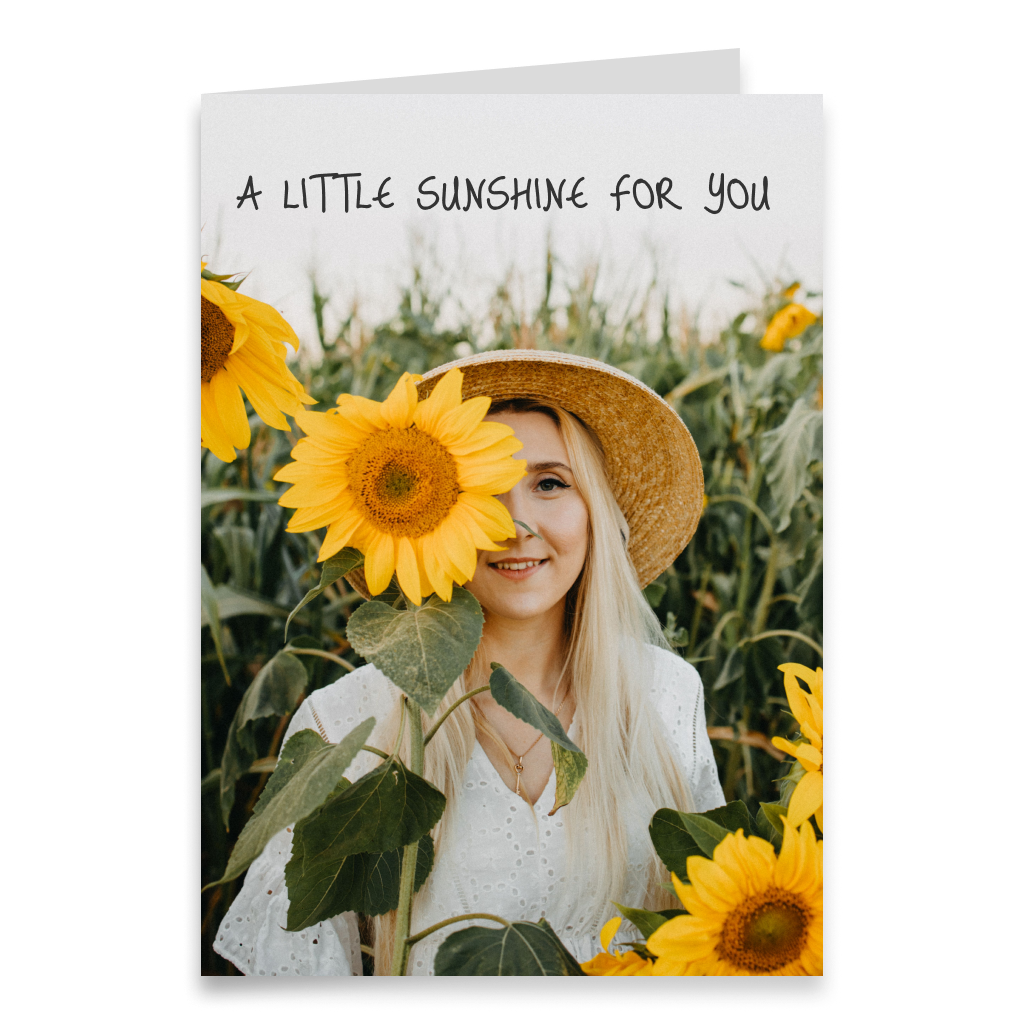
Choose a card format and start with a blank canvas. Add your own photos, text, drawings, stickers, backgrounds, and decorative elements, enhance the digital version with Spotify music or a 360° panorama, and preview the finished card in interactive 3D before sending or printing.
More informationHide information
Create a Card Entirely Your Way
The Card can Fly creator is designed for those moments when you do not want to start with a ready-made design or themed template. Here, you choose only the card format, while the composition itself begins with a blank canvas. You decide where to place the photo, what background to use, how much text to add, and which decorative elements to include. You can create a minimalist card with one image and a short greeting or a more detailed design with several photos, drawings, stickers, and extra decorative details. This approach works well for birthdays, weddings, anniversaries, holidays, thank-you cards, congratulations for important life events, or simply personal cards without a specific occasion.
Choose the Right Card Format
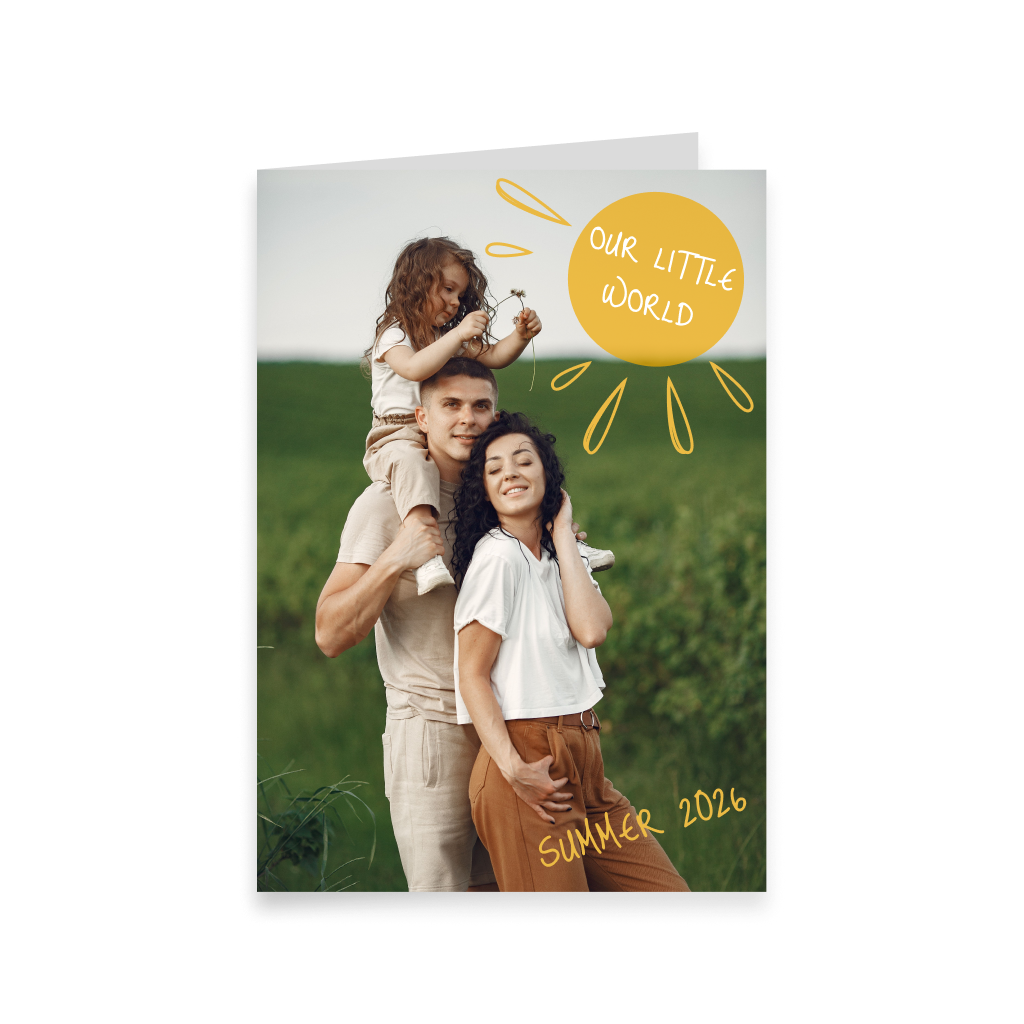
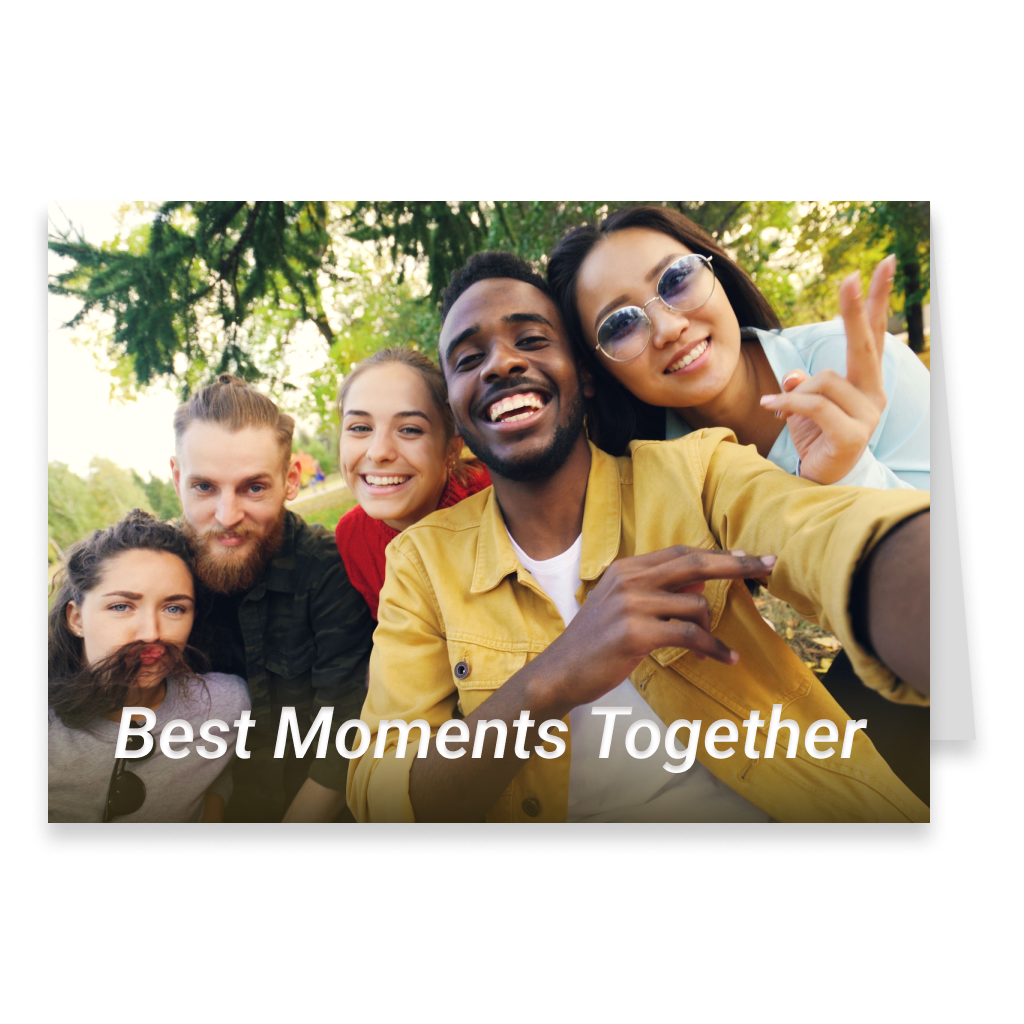
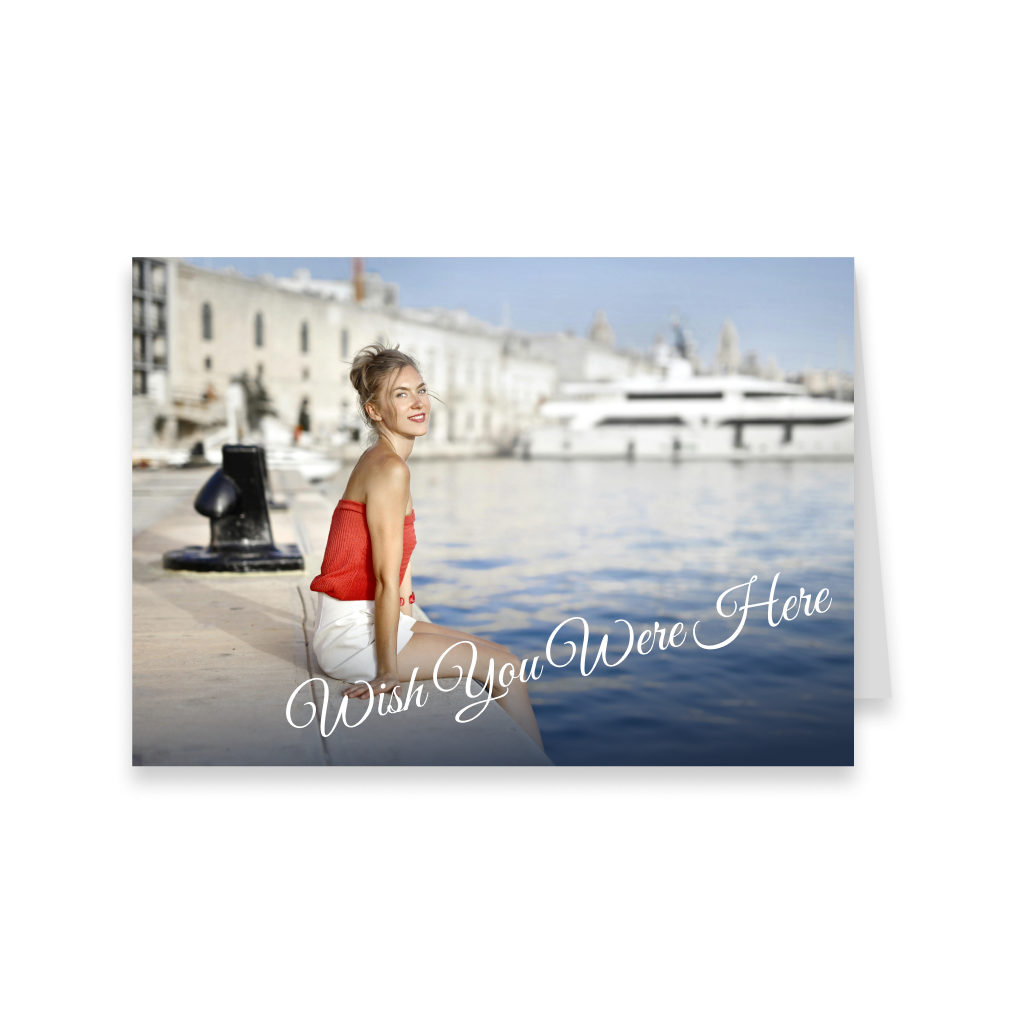
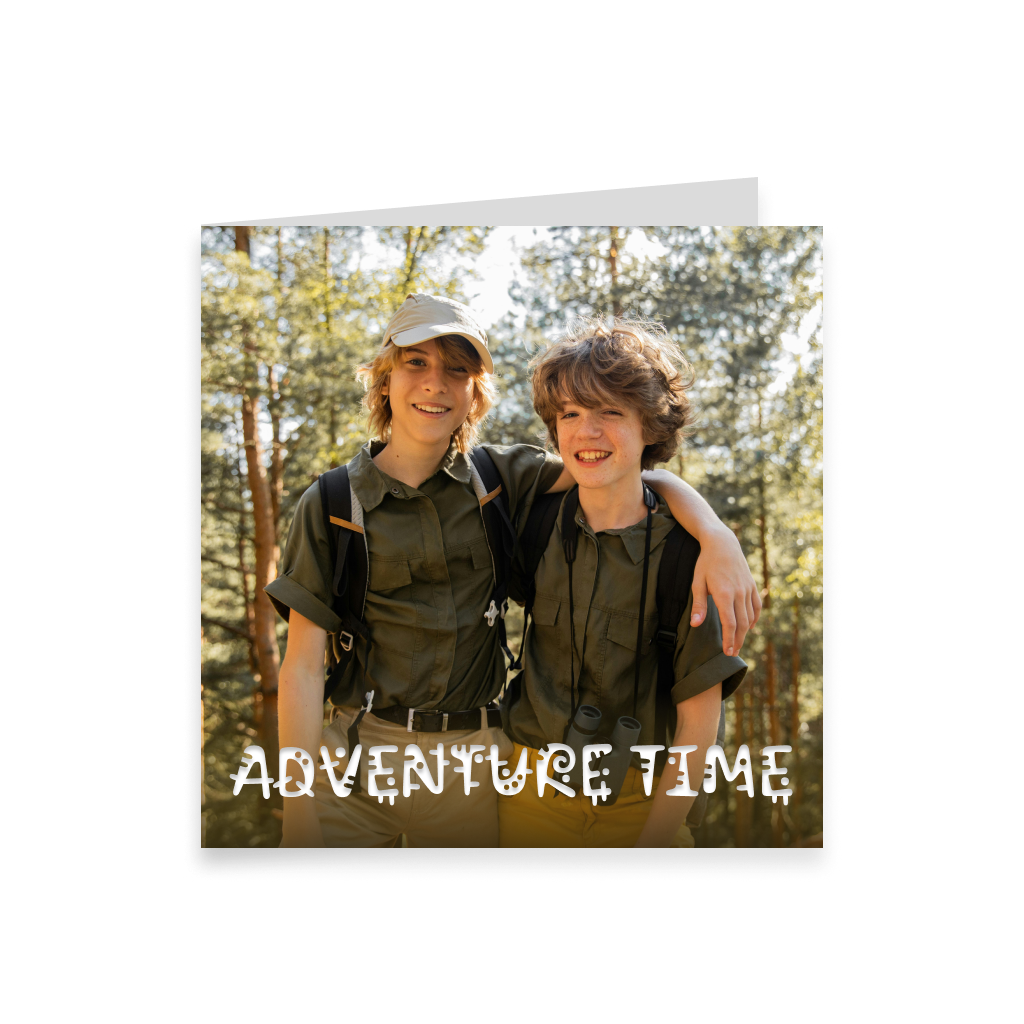
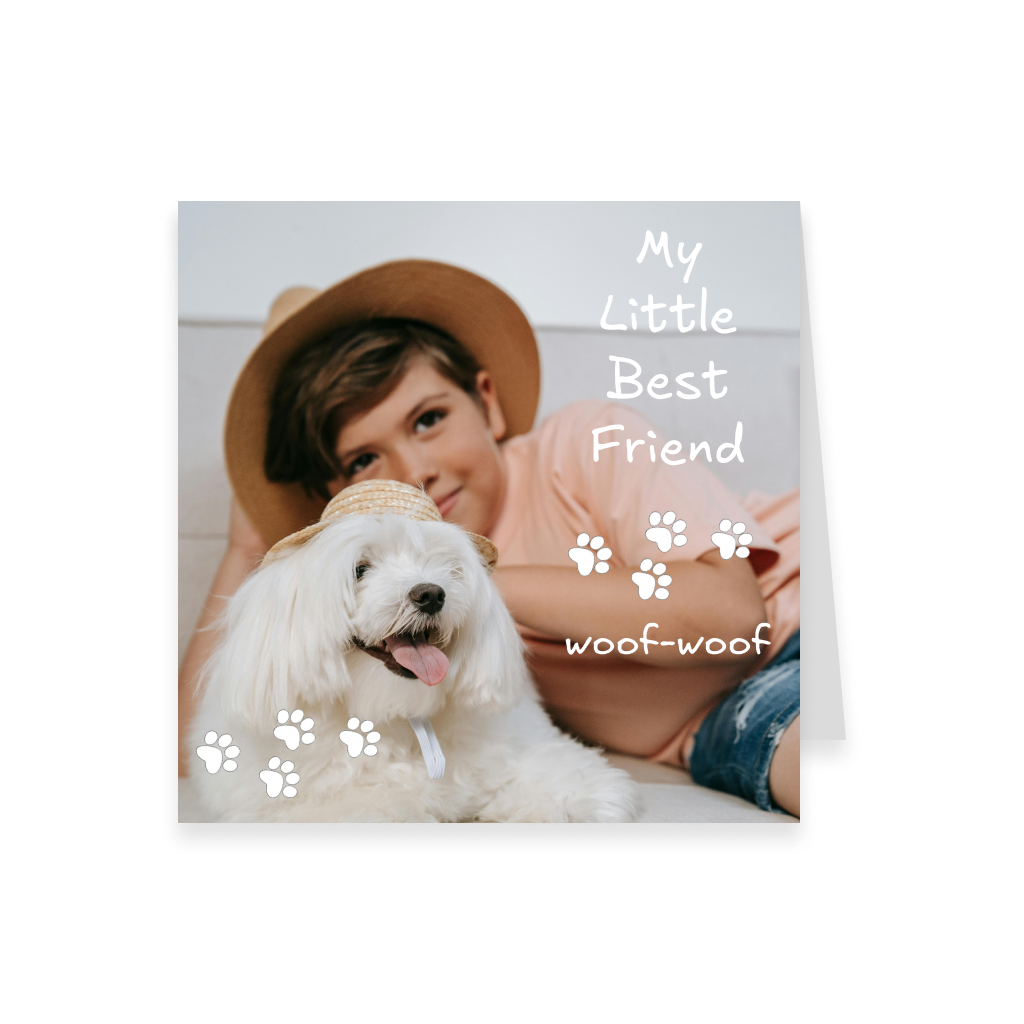
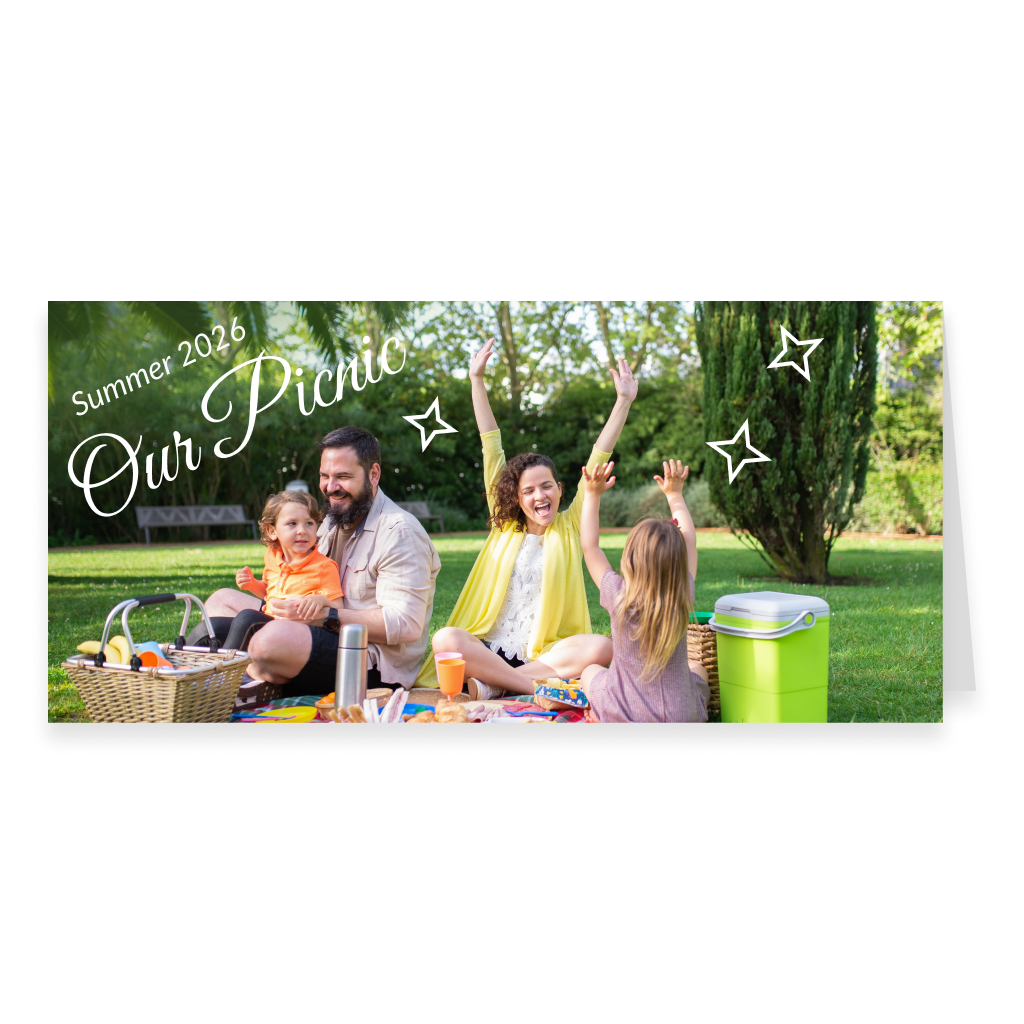
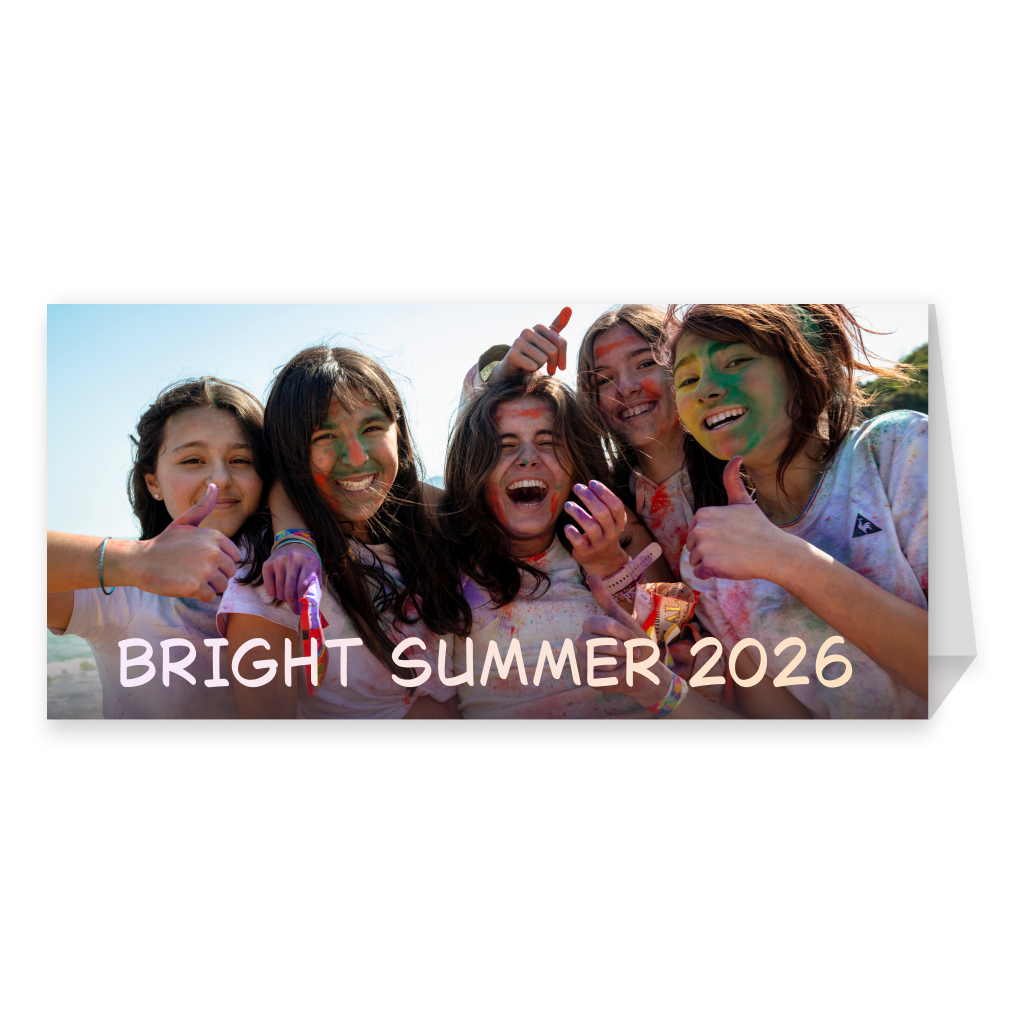
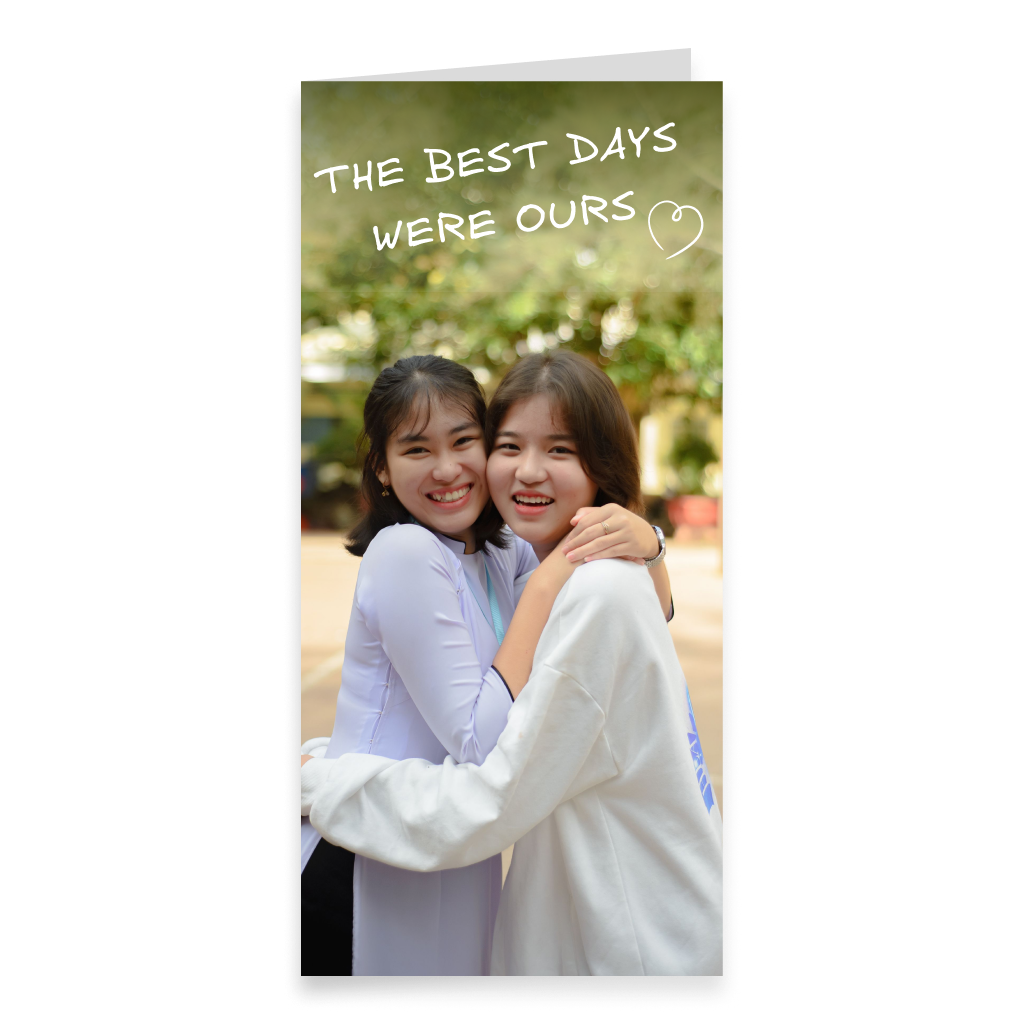
The creator offers several formats, each suited to different photos, compositions, and ideas. Portrait format works well for photos of people, full-length pictures, vertical collages, and compositions that naturally develop from top to bottom. Landscape format is convenient for family and group photos, landscapes, travel pictures, and wider layouts with several images. Square format works well for symmetrical, modern, and minimalist designs, as well as photo collages with images in different orientations. Long DL format has an elongated shape. This category includes both horizontal and vertical options, and one format can be displayed with a stand on a desk or shelf. Choose the format not only by appearance, but also by how you want to arrange photos, text, and other elements.
Add Your Own Photos, Text, and Decorative Elements
After choosing the format, you get a blank canvas and can build the design yourself. Card can Fly lets you add your own photos and images, text, backgrounds, stickers, and other elements. You can make one photo the main visual focus, create a photo collage, or combine images with text and decorative details. If you prefer a more personal style, you can add your own drawings or create a composition that looks completely different from a typical greeting card.
Write Your Own Message or Use AI
You can write the card message completely by yourself. Add the recipient’s name, a personal greeting, a memory, congratulations, or a few lines that only the two of you will understand. If it is difficult to find the right words, you can choose a ready-made greeting or use the Card can Fly AI assistant. It can create new text and also adjust the style of a message you have already written, for example making it warmer, shorter, funnier, or more formal. AI works best as a starting point. Adding even one specific detail, memory, or personal phrase can make the final message feel much more meaningful.
Add Spotify Music and a 360° Panorama
A card can be more than just a printed product. The digital version can be enhanced with Spotify music and a 360° panorama. Music can connect the card to a particular person, event, or memory. For an anniversary, you might choose a song that is special to the couple. For a travel-themed card, you can use a track associated with a place. For a birthday, you can add the recipient’s favorite song. A 360° panorama creates an additional visual environment around the card and makes the digital experience more immersive. This allows your custom design to become part of a richer digital experience.
Preview Your Card in Interactive 3D
Before placing the order, you can open the finished card in interactive 3D view. This is especially useful when creating a design from scratch because you can check the placement of photos, text, backgrounds, and decorative elements and see the card as a finished object rather than only as a flat layout. If the composition needs changes, you can return to editing and adjust it before sending or printing. The 3D preview helps you evaluate every format, from portrait and square to long DL cards.
Create a Reel Directly from the 3D View
Once the card is complete, its visual presentation can also be used in Reel format. The Reel is created directly in the 3D view, allowing the card to be shown as a three-dimensional digital object together with its visual environment. The sender can create a Reel after completing the order, and the recipient can create one after opening the card. If a 360° panorama has been added, it can also become part of the visual presentation. This means the finished card can exist not only as a printed or digital object, but also as short visual content that is easy to share.
Send the Card Online or Order a Printed Version
Once the design is ready, you can choose how to send it. You can send the card only in digital format or order a printed version. The printed card can be sent directly to the recipient or delivered to your own address if you want to hand it over personally or send it yourself. You can also add a digital copy to the printed version, so the recipient gets both a physical card and an interactive online version.
When to Create a Card from Scratch
The creator is especially useful when you already have your own idea and do not want to adapt it to a ready-made template. You can build the composition around one important photo, combine several images, use your own drawing, write a long personal message, or create a minimalist design with almost no decorative elements. If you want a ready-made structure for arranging photos, templates may be more convenient. If you want an already designed card for a specific occasion, you can choose a themed collection. Greeting Card Creator is intended for maximum creative freedom: choose a format and start with a blank canvas.
FAQ
Can I create a greeting card completely from scratch?
Yes. In Greeting Card Creator, you choose a format and start with a blank canvas, then add your own photos, text, background, stickers, and other elements.
What card formats are available?
You can choose portrait, landscape, square, or long DL format. The long category includes horizontal and vertical options, as well as a version with a stand.
Can I use my own photos and images?
Yes. You can upload your own photos and images and place them freely in your composition.
Can I add my own text and create a greeting with AI?
Yes. You can write the message yourself, choose a ready-made greeting, or use the AI assistant to create or restyle the text.
Can I add music and a 360° panorama?
Yes. The digital version can include Spotify music and a 360° panorama.
Can I preview the card in 3D before sending it?
Yes. You can check the finished card in interactive 3D view before completing the order.
Can I create a Reel from the finished card?
Yes. A Reel can be created directly from the 3D view. This is available to the sender after the order is completed and to the recipient after opening the card.
Can I send the card online or order a printed version?
Yes. Card can Fly lets you send a digital card or order a printed version with delivery.
Can I have the printed card delivered to my own address?
Yes. You can order the printed version to your own address if you want to hand it over personally or send it yourself.